AI content creation for brands: what you can make, how it works, and what to check before you publish
The full guide to AI content for brands: product imagery, a brand’s own AI model, campaigns, video and social. Workflow, QC checklist, rights, labels, cost.
AI content creation for brands means producing images, video and social content with generative models instead of, or alongside, a photo shoot: product imagery in new scenes, a consistent AI model who fronts the brand, campaign stills, commercials, 3D renders and a month of posts. It works when every scene starts from the real product and from a character kept as a fixed reference, and when a person checks every file at full size before it goes out. Without those two things you get attractive pictures that do not show your product and a face that changes from post to post.
This guide covers the whole path: what can be produced today and what still cannot, a workflow from brief to delivery, where a photographer is still the better choice, the quality-control checklist before publishing, what to know about rights and AI labels, how to organise monthly content, and what drives the cost. Where a topic has its own article in the journal we link to it, so this page stays the full map without repeating itself.
What AI content can a brand produce?
Most talk about AI content is about text. This guide is about the visual side: everything that used to need a photographer, a studio, a model, a location or a production crew. These are the kinds of content brands actually commission today.
Product imagery
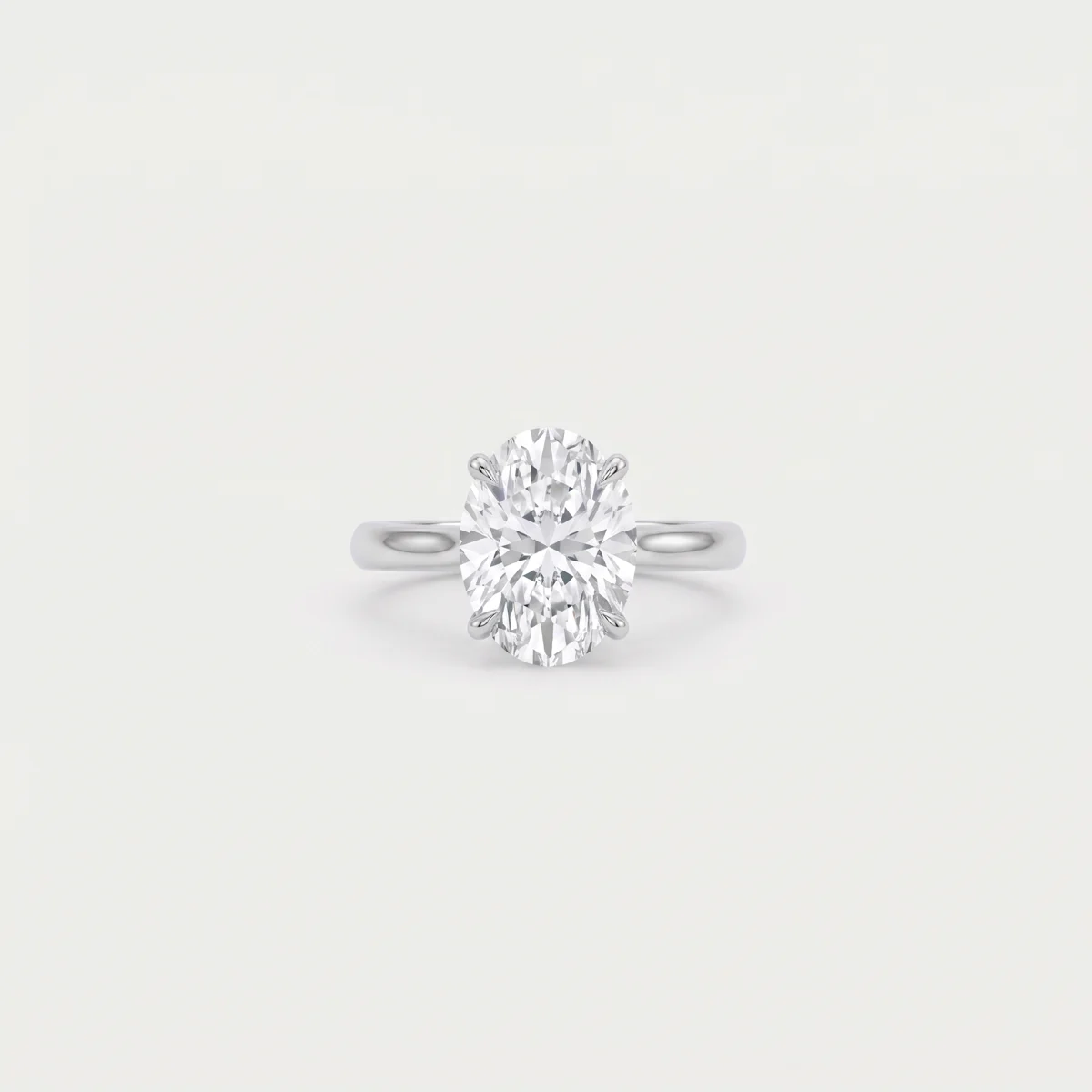
Your real product, with its shape, material and branding intact, placed in a scene: a marble counter, a hotel room, a beach, a dark studio. From one product you can make a version for every season, audience and ad. The way to do that without the product drifting between images is to build a product sheet from every angle first and generate every scene from it. We cover the method, what still breaks, and the difference between a catalogue image and a campaign image in our guide to AI product photography.
A brand’s own AI model
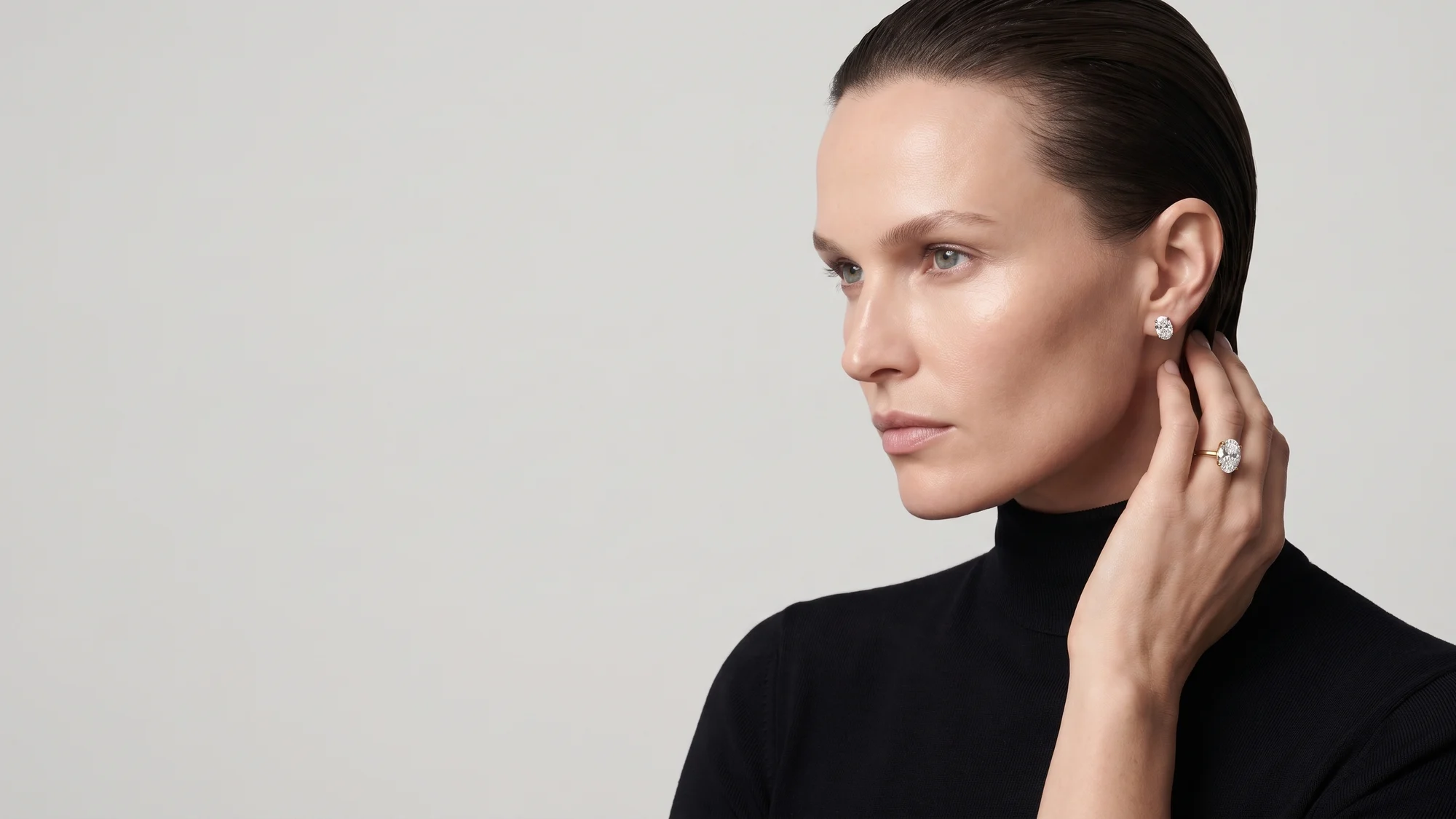
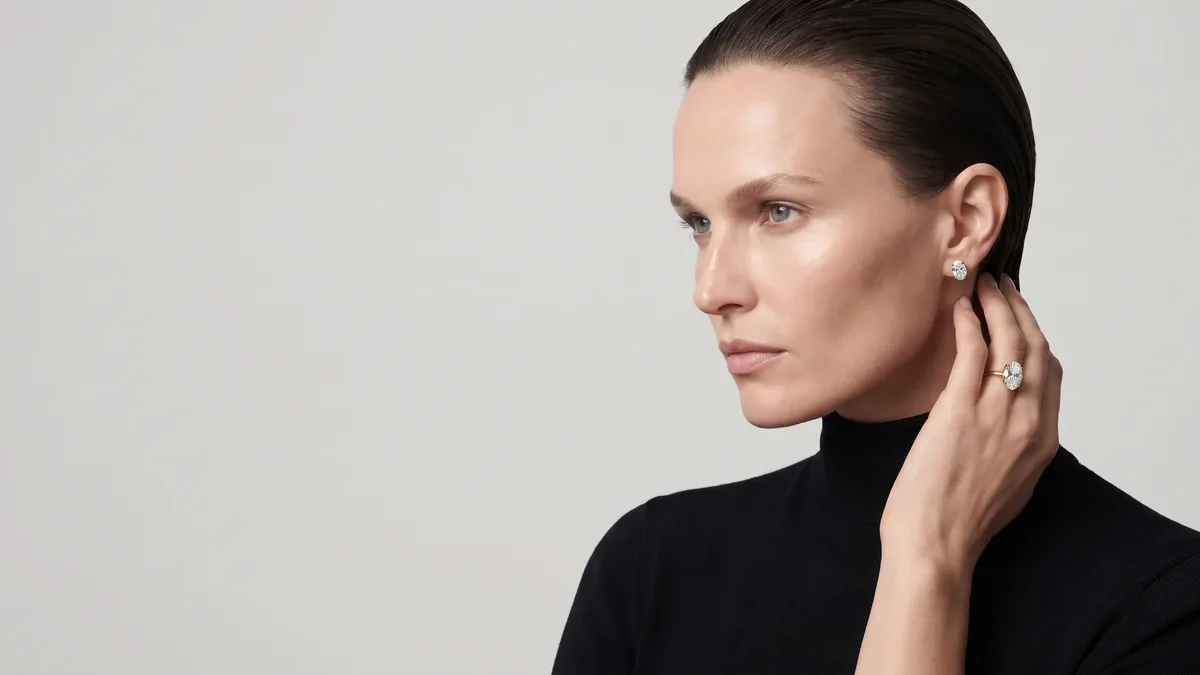
A character built once for the brand, with a defined face, body, hair and style, and stored as a fixed reference in the generation system. She returns in every campaign, every film and every season, and the audience learns to recognise her. That is the difference between a brand with a face and a website that looks like a stock library. How such a character is built, how it compares with casting, and what matters for jewellery and fashion is in our article on AI models for fashion and jewellery brands.
Campaign stills, lookbooks and catalogues
Not a pile of pictures but a series: dozens of frames in one light, one world and one camera distance, working together on the website, social, print and billboards. AI’s advantage here is consistency. You can hold the same light across a whole series and add frames next month without bringing the crew back to set.
Video and commercials
Campaign films, reels, product videos and moving billboards. Video models generate shots a few seconds long, so a film is built the way a normal commercial is: script, storyboard, shot by shot, then edit, sound and voice-over. The differences between the models themselves, Veo, Kling, Seedance and others, are explained for marketers in AI video generators explained, and how a full commercial is made from script to final cut is in our guide to AI video ads.
Social media content
Posts, carousels, stories and reels for a whole month, built from the same pool of products, character and visual world. This is the content that gains most from AI, because it needs many variations quickly, and it is also the content that loses its identity fastest when every post is generated on its own. Planning comes later in this guide.
3D and renders
A product as a 3D model that turns on the product page, a store or clinic before it is fitted out, a residential project before the building exists. AI here mostly serves materials, light and atmosphere; the base is a model at real dimensions. Real estate is a field of its own, covered in our guide to real estate 3D visualisation.

Types of AI content: use, inputs and turnaround
The table sums up the main content types. Turnaround times are the ranges we work with in the studio, counted from the moment materials arrive and the first sample is approved. On every project the date is written into the proposal.
| Content type | What it’s for | What you supply | Typical turnaround |
|---|---|---|---|
| AI product imagery | Product pages, categories, ads, promotions and seasons | Sharp photos of the product from every side, close-ups of labels and logo, dimensions, a vector logo | A few working days per series, once the product sheet is approved |
| A consistent AI model | One face for the brand across every campaign and film | Audience description, references for style and personality, what the character should not be | Built and approved once, then available to every production |
| Campaign stills / lookbook | Launch, season, website, print and outdoor | The products, the idea or creative brief, the list of formats | Roughly one to two weeks, depending on frames and products |
| Commercial / reels | Ads, social, website and screens | One clear message, the product, voice-over or copy if any, formats | 3 videos in 5 business days, 8 in 7, 15 in 10 |
| Monthly social content | An ongoing presence on Instagram, TikTok and Facebook | The month’s events and offers, focus products, what worked last month | Content calendar at the start of the month, delivery through it |
| 3D and renders | Interactive product pages, spaces and projects before they are built | Drawings or dimensions, materials and finishes, lighting references | From a few days per item to several weeks per project, by scope |
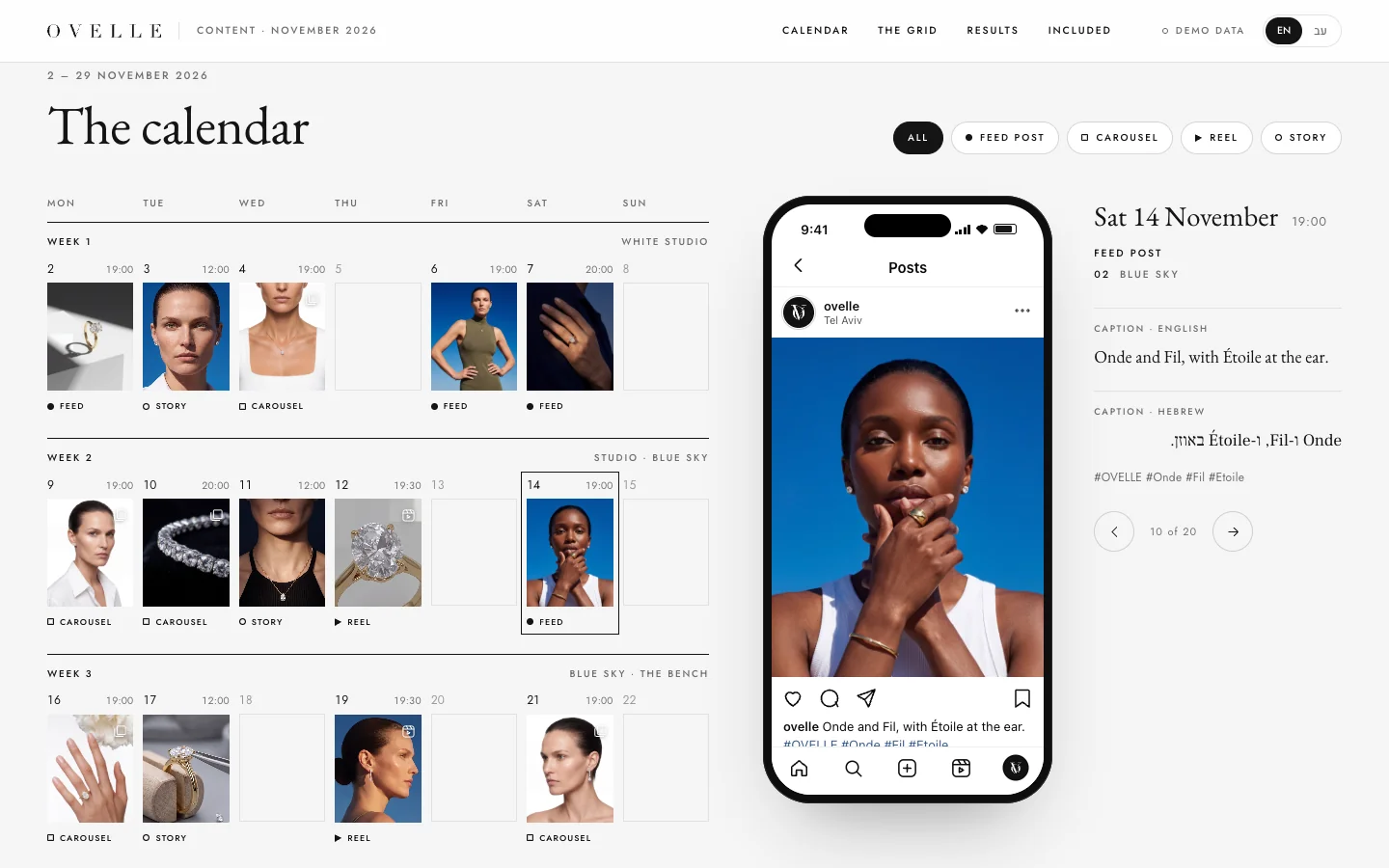
To see it together: the commercials we produced for three fictional businesses, the OVELLE jewellery house, the ALBA residential tower and the Névé clinic, keep the same product and the same faces in every shot. OVELLE’s monthly content shows a full month of posts, reels and stories built from one pool. These are concepts we built to show the work; the businesses in them are fictional.
How AI content is made: the workflow from brief to delivery
The difference between AI content that reads as a brand and a folder of experiments is almost always the process, not the model. A good model given a vague instruction produces an impressive image that is wrong. This is the order we work in, and the one worth asking any studio to spell out:
- Brief. The product, the audience, where the content will run and how it should feel.
- References. Source photos of the product, and inspiration images for light, colour and composition only.
- A consistent character. If there is one, it is built or chosen first and stored as a reference.
- Product sheet. The product from every angle, with dimensions and materials, as a fixed reference.
- Sample. One frame or one shot, approved before the full scope.
- Generation in rounds. Several versions per scene, selection and correction.
- Retouch and finishing. Manual fixes, logo and labels placed from the file, even colour and light.
- Check and approval. Every file at full size against the real product, then your sign-off.
- Delivery in formats. Every aspect ratio and size, with sensible file names.
The brief: what the content has to do
A good brief for AI content is shorter than people expect, but it has to answer four questions: what the product or service is, who should see the content, exactly where it will appear, and what someone should feel or do after seeing it. “Nice pictures for Instagram” is not a brief. “Six images for the summer collection, for the feed and vertical ads, aimed at people who already buy gifts from us” is. If you are unsure how to put it, our guide on how to brief a studio goes through it step by step.
References: what they are for, and what they are not for
There are two kinds of reference, and the common mistake is mixing them. The first is source material: photos of the real product, the packaging, the label and the logo. It decides what appears in the image. The second is inspiration: a campaign you liked, a photographer whose light speaks to you, a magazine’s palette. It decides how the image looks. Inspiration should carry light, pose, angle and composition only. Give a model an inspiration image of another person and it tends to borrow the face too, and the brand’s character starts to look like someone else.
A consistent character
A character generated from text each time will never be the same person twice. What keeps her identical is a fixed reference in the generation system, a kind of character file every scene is built from: several face photos from different angles, an explicit description of features, skin tone and hair, and clear rules for what never changes. Even then, models lose the character now and then, mostly in wide shots and fast motion, so every frame is checked for it.
Keeping the real product faithful
This is the rule nothing overrides: the setting, the light and the character may be generated, the product must be the product. A model given only a written description redraws the product, and the result is similar but not the same: a stone of a different size, a cap of a different shape, letters swapped on the label. So every scene is generated from the product sheet, and the logo and small text are placed from the original file rather than generated. For products whose shade is the sale, such as make-up or fabric, colour is compared against the item itself.
Generation in rounds
One good image usually comes out of several attempts, and that is part of the work, not a fault. The right order is to produce one sample first, approve the character, the light and the world, and only then produce the full scope on that base. An approved sample saves rounds, because it settles the big questions before there are twenty files to fix.
Retouch and finishing
Almost no file leaves the model ready to publish. After generation comes manual work: fixing fingers and small details, placing labels and logo, balancing colour and light across the whole series, and for video, editing, grading, sound and voice-over. This is the part tool demos never show, and it is what turns an impressive file into one you can put on a product page.
Approval
Good approval happens on the file itself, with a comment pinned to the exact spot that is wrong, not an email thread saying “something about the face feels off”. The Libra Studio client workspace, a concept we built for working with clients, shows what that can look like: requests, approvals with comments pinned to the image, a “brand brain” that checks each file against the brand’s rules, and a library of everything delivered. Even without such a system, agree up front who approves and in how many rounds.
Delivery in formats
One image usually needs several crops: square and 4:5 for the feed, 9:16 for stories and reels, landscape for the website and banners, and a high-resolution file for print. If the scene is composed with room for each crop from the start, the product is not cut in half when moving between formats. Ask for readable file names, compressed web files alongside the masters, and one tidy folder that stays with you.
What AI does well, and when a photoshoot is still better
AI’s strength is everything around the product: scenes, locations, light, seasons, a character and ad variations, without a shoot day for every change. It is also consistency: the same light and the same face for a year, and new frames added to a series without reassembling a crew. Its weakness is the small detail: tiny text, a logo, the number of stones in a setting, the exact shade of a fabric or a lipstick, and the mechanism a customer buys the product for.
A real photograph is still better when the image is part of what must be shown, such as a main marketplace image with strict rules, when the shade is the product, when the product carries regulated claims, and when the audience needs to see a real person, such as a doctor in a clinic or a chef in a kitchen. For most brands the efficient mix is both: a photographer for packshots and close-ups, AI for scenes, the character and ads. We go through the decision case by case in AI product photography vs a photoshoot.
Quality-control checklist before you publish AI content
This is the easiest step to skip, and it is what separates content that sells from content that generates returns and awkward comments. The check happens on a large screen, at full size, against the real product or its source photos. This is the list we run on every file:
- Hands. Number of fingers, joints, nails, and a grip that actually holds the product.
- Text and labels. Every letter, number and line on the product and the packaging. If anything differs, place the original label.
- Logo. Identical to the original file, not similar to it: stroke weight, letter spacing, proportions.
- Product details. Shape, material, colour, number of parts. On jewellery, count the stones and the prongs holding them.
- Scale. The product relative to the hand, the face and the table, against the dimensions on the product sheet.
- Faces. The same character as in the rest of the series, with no asymmetric eyes, odd teeth or plastic skin.
- Reflections and shadows. Metal, glass and water reflect the room in the picture, not another room. Shadows fall away from the light.
- Consistency across the series. All files side by side: same light direction, same colour temperature, same world.
- Video. On top of all this, watch the full cut, not just stills: faces that change mid-shot, a product that changes shape in motion, jumps between shots.
- Platform fit. Aspect ratio, room for ad copy, and the areas the platform’s interface covers.
A beautiful image that does not show the real product is not marketing content. It is a promise the business will have to keep.
Who owns AI content, and do you have to label it?
Three questions come up with every brand that starts using AI content: who owns it, can it be used commercially, and must it be labelled. The full answers depend on the tool, its terms and the country, and we cover them in can you use AI images commercially. The broad lines:
- Ownership. Ask for a contract that says the delivered files are yours or that you hold a clear licence, and that the tools used in production allow commercial use.
- Likeness. A brand character is not built from a real person’s face without written consent, nor from a photo of a celebrity. That is a legal matter and a matter of trust.
- Showing the product honestly. Consumer-protection rules in most markets, including Israel, where we work, prohibit misleading customers about what they are buying. For AI content that means the setting can be generated, the product must be accurate.
- Meta. Meta adds an “AI info” label to images, video and audio when it detects industry-standard AI indicators or when the uploader discloses it, and requires people to label photorealistic video or realistic-sounding audio that was digitally created or altered (Meta’s announcement).
- YouTube. YouTube requires creators to disclose realistic content made or altered with AI, for example a real person shown saying or doing something they did not, or a believable scene that never happened, and does not require it for clearly fantastical content or for AI used to write scripts or make thumbnails (YouTube Help).
- The European Union. If you sell into Europe, the EU AI Act includes transparency duties for AI-generated content and deep fakes, and according to the European Commission the transparency rules apply from August 2026 (European Commission).
Our advice is simple: present an AI character as the face of the brand, not as a real customer; never use her for testimonials or reviews; and label wherever a platform asks. That is also what protects the brand when the rules change, and they do.

How to organise monthly AI content
A brand that posts several times a week needs a system, not a string of productions. The order that works for us starts from a pool, not from a post: a product sheet for every item, a consistent character, and a defined visual language (light, colour, camera distance, kinds of location). Every month is built from that pool.
- A content calendar at the start of the month. Events, offers, launches and focus products, and how many posts, reels and stories each week.
- A format mix. Feed posts and carousels, short reels, running stories, and files that can double as ads.
- Production in batches. A week or two at a time, in the same light and world, rather than one post a day.
- Batch approval. Review the whole batch once, with comments on the files themselves.
- Measure and learn. At month end, look at what was saved, shared and clicked, and build the next month on it.
Planning itself, how much to post, in what mix and how to measure, is covered in social media content for brands. If part of the content also runs as paid ads, produce it in several variations and in Meta’s formats from the start; what works in Facebook and Instagram ads is in our article on Meta ads creative.
How much does AI content cost, and what drives the price?
There is no single price for AI content, because “an image” can be a variation of an existing scene or the first frame of a new campaign with a new character. Instead of an invented price list, these are the variables that set a proposal, and that are worth asking to see itemised:
- Number of products. Each product needs its own product sheet. Ten images of one product cost less than ten images of ten products.
- A consistent character. Building a brand character is done once and spread across every production after it.
- Product complexity. A ring with stones, a watch with a movement or a bottle with a dense label needs more checking and retouching than a plain mug.
- Video versus stills. A film needs a script, a storyboard, shots, editing, sound and voice-over, and it is slower to check.
- Formats and languages. Every crop and every copy version is another file to check.
- Revision rounds. How many are included, and what happens beyond them.
- One-off production or a monthly plan. A plan keeps the pool and the visual language alive over time, so each month starts from an existing base.
Compared with a shoot day, AI’s fixed costs are lower: no studio, photographer, model, make-up artist and location for every change. On the other hand there is work a shoot does not have, such as building product sheets and a character, and checking every file at full size. A serious proposal itemises both. A proposal that promises hundreds of images cheaply without mentioning checking probably does not check. In Israel, the market we work in, prices are quoted per project; for international clients we quote in USD or EUR on request.
How to choose an AI content studio
Almost anyone can produce one beautiful image today. What sets a studio apart is what happens on image twenty. These are the questions worth asking before you start:
- How will our product stay identical across every image? A good answer mentions a product sheet or a fixed reference, not “we write a precise prompt”.
- How will the character stay the same across campaigns, and what happens if the generation tool changes?
- Who checks each file, against what, and what happens when something fails?
- Is there a sample stage you approve before the full scope?
- Who owns the files, and which tools are used in production?
- Which formats will we receive, and by when, in writing?
- Can we see a whole series rather than the best image from each project?
AI content at Libra
At Libra we produce a consistent AI model, product imagery from the real product, campaigns, commercials and monthly content for brands, from one pool and in one visual language, so the website, social and ads read as one brand. Every project starts with a sample you approve, and every file is checked at full size before delivery. The details are on our AI models and product imagery page, and you can see the work in the OVELLE store, a fictional jewellery house whose images, film and content were produced this way.
For a proposal on your project, send a brief with the products, where the content will appear and any inspiration images. We reply by email with a direction, a written price and a delivery date.
No term matches.
More on AI content
- AI product photography vs a photoshoot: when each wins, and when to combine them ComparisonWhen AI product photography beats a studio shoot, when a shoot is the only honest option, and the hybrid most brands use: a decision table, cost logic and a checklist.
- AI models for fashion and jewellery brands: building one face that stays the sameHow fashion and jewellery brands build a consistent AI model: character sheet, casting, hands, metal and stones, what to check, consent and AI labels.
- AI video generators explained: Veo, Kling, Seedance and Runway, and what they mean for marketersAI video generators explained for marketers: text-to-video vs image-to-video, what each vendor states on length, resolution and audio, what breaks, how to choose.
- Can you use AI images commercially? Ownership, tool terms, likeness and labelling for brandsCan you use AI images commercially: who owns the output, tool terms, trademarks, likeness, labelling on Meta, Google Merchant Center and in the EU, and a brand checklist.
- Social media content for brands: how to build a month of posts, reels and storiesHow to plan social media content for brands: content pillars, a monthly calendar, Instagram formats and sizes, AI production, captions, approvals and what to measure.
- AI product photography: what is possible today, and what isn’tHow AI product photography works, which photos it starts from, where it replaces a shoot day and where you still need a photographer. Plus what to check before an image goes live.
- AI video ads that look real: how they are madeHow an AI commercial reaches the level of a shoot day: script, storyboard, a consistent character, the real product and the edit. What still breaks, and how to catch it before it runs.
A short picker
What fits you?
What is closest to what you need?
Where are you now?
Questions
What is AI content creation for brands?
Producing images, video and social content with generative models instead of, or alongside, a photo shoot: product imagery, a consistent AI model, campaigns, commercials and renders. It works when every scene starts from the real product and a person checks every file before it is published.
Will our product look exactly like the real thing?
Yes, when every scene is generated from a product sheet built from photos of the real product, and the logo and labels are placed from the original files. A product generated from a text description alone comes out similar but not identical.
How do you keep the same AI model across every image?
The character is built once and stored as a fixed reference in the generation system, and every scene is generated from it. Every frame is still checked, because models lose the character now and then.
Do you have to label AI-generated content?
It depends on the platform and the market. Meta and YouTube require disclosure of realistic AI-made or AI-altered content in certain cases, and the EU AI Act sets transparency duties. Either way, the product itself must be shown accurately.
Who owns AI-generated brand images?
Agree in the contract that the delivered files are yours or that you hold a clear licence, and check that the tools used allow commercial use. The wider legal question is covered in a separate article on copyright.
When is a photographer better than AI?
For marketplace packshots with strict rules, for products whose shade is the product, for products with regulated claims, and when the audience needs to see a real person. For most brands a mix of both is the most efficient.
How long does AI content production take?
We deliver 3 videos within 5 business days, 8 within 7 and 15 within 10, and an image series usually within a few working days once the product sheet is approved. The exact date is written in the proposal.
Getting started
Want this for your business?
Send a short brief: three required questions, the rest only if you like. We reply by email with a direction, a written price and a date.