AI video generators explained: Veo, Kling, Seedance and Runway, and what they mean for marketers
AI video generators explained for marketers: text-to-video vs image-to-video, what each vendor states on length, resolution and audio, what breaks, how to choose.
Part of the guide: AI content creation for brands: what you can make, how it works, and what to check before you publish
AI video generators are models that produce a short video shot, usually a few seconds to half a minute, from text (text-to-video) or from an image plus a written description of the motion (image-to-video). The main families today are Google’s Veo, Kuaishou’s Kling, ByteDance’s Seedance and Runway; OpenAI removed Sora from its API in September 2026. For marketers the useful question is not which model is “best”, but which one holds the product and the face through the shot, and what length, resolution and audio it offers.
This article explains the terms, sets out what each vendor states about its model at the time of writing, and covers what actually changes when you produce video for a brand. How a whole commercial is built, from script to edit, is in our article on AI video ads, and the wider picture of AI content for a brand is in AI content creation for brands.
Text-to-video vs image-to-video: what is the difference?
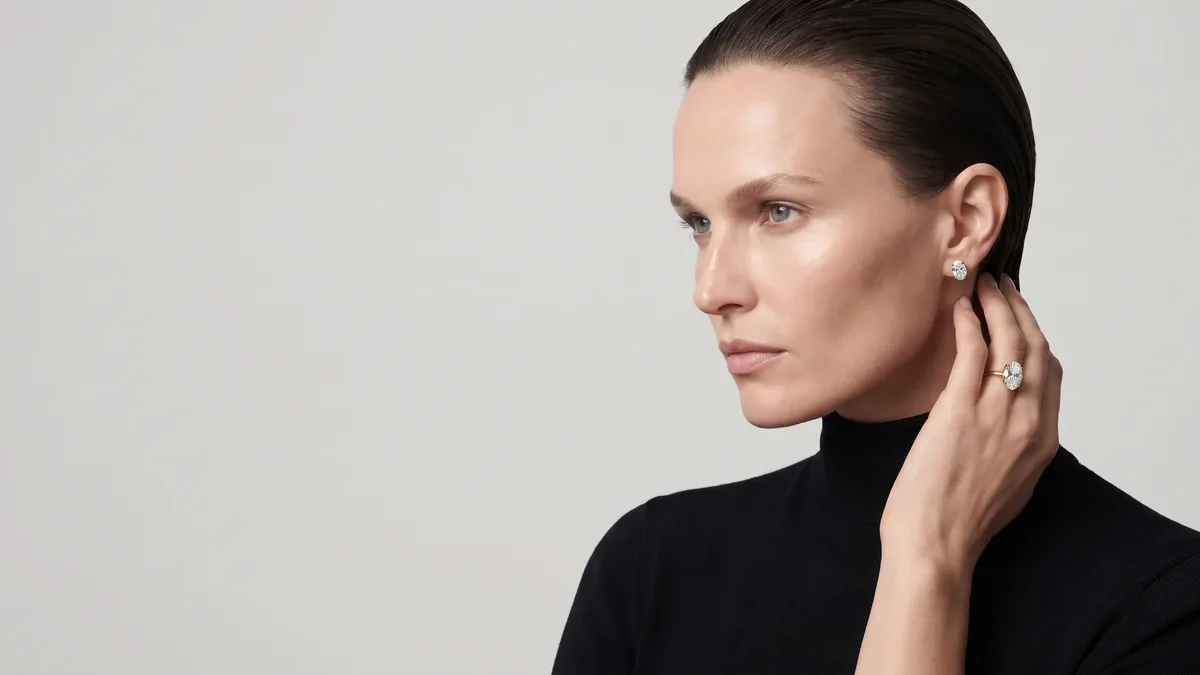
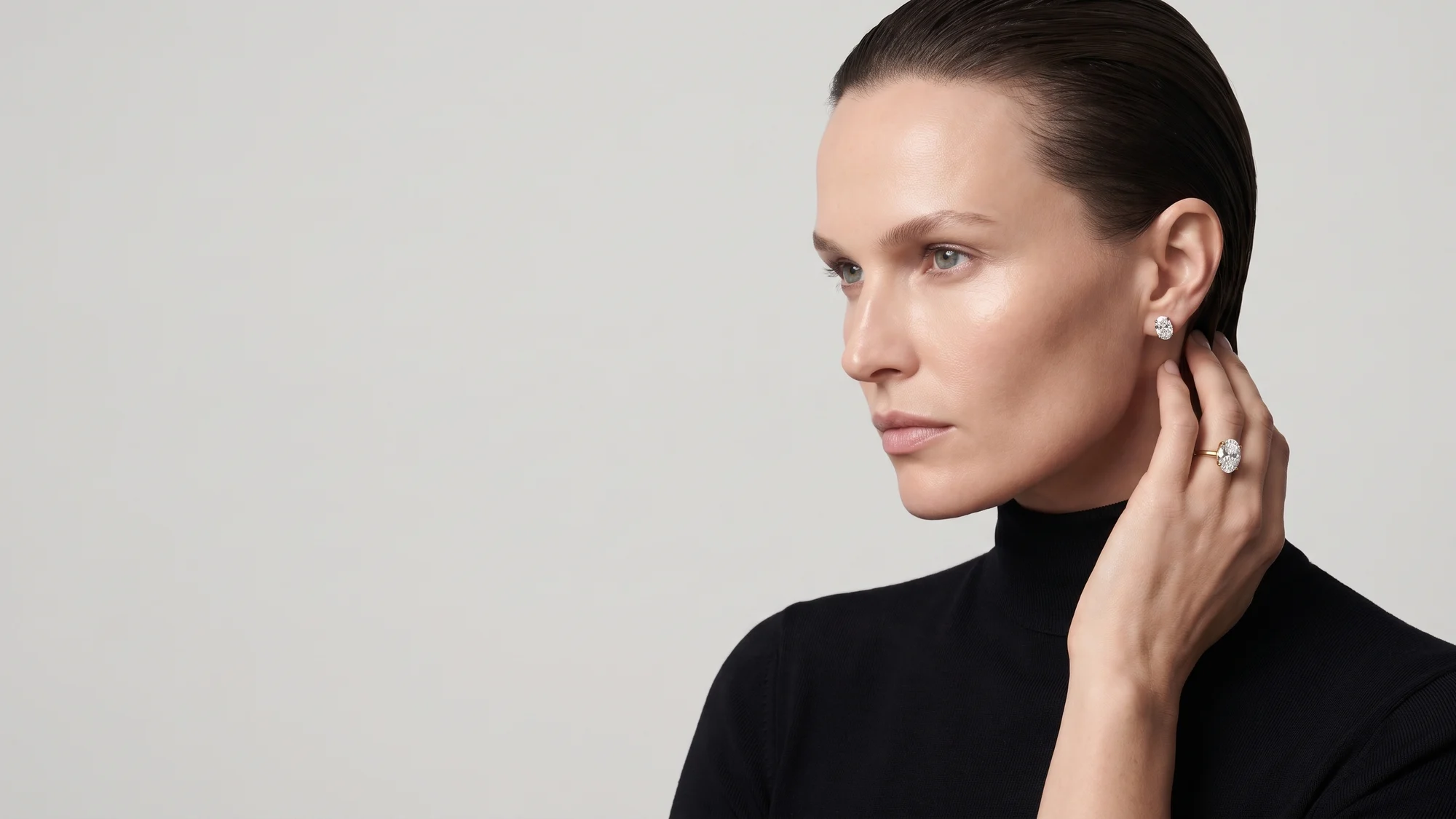
Text-to-video starts from a description: “a woman in a black turtleneck turns her head towards the window, soft morning light”. The model invents everything: the face, the clothes, the room and the light. It is quick for ideas and mood, but every run gives you a different woman, and a product described in words comes out similar rather than identical.
Image-to-video starts from an existing frame, usually an approved still, and the text describes only the motion and the camera. The face, the product and the light are already fixed in the first frame, and the model “only” has to move them. Most models now also offer options in between: reference images for a character or object, a first and last frame for the model to fill in between, and extending an existing shot.
For a brand, nearly every shot that shows a product or a recurring character is built from an image. Text-to-video is kept for mood shots without a product: sea, street, fabric in motion.
The main AI video models and what each vendor states
The market changes every few months, so the table lists only what the vendors themselves say on their official pages, as of September 2026. Where a vendor does not state a figure, we wrote “see vendor page” rather than guess.
| Model | Vendor | What the vendor states | Shot length | Audio |
|---|---|---|---|---|
| Veo 3.1 | Text and image to video, up to three reference images, first and last frame, 720p to 4K, 16:9 or 9:16 | 4, 6 or 8 seconds, with extension | Always generated with the video | |
| Kling Video 3.0 | Kuaishou | Multi-shot storyboard (Omni), a reference video to keep a character’s look and voice | Up to 15 seconds | Speech in several languages, including English, Chinese, Japanese, Korean and Spanish |
| Seedance 2.0 / 2.5 | ByteDance | Text, image, audio and video input; in 2.5 up to 30 images, 10 video clips and 10 audio clips as references | In 2.5 up to 30 seconds, with extensions | Audio and video generated together |
| Runway Gen-4.5 | Runway | Text to video; image to video, keyframes and video to video announced for it | See vendor page | See vendor page |
| Sora 2 | OpenAI | Removed from OpenAI’s API on 24 September 2026 | n/a | n/a |
Google Veo
According to Google’s Veo 3.1 documentation in the Gemini API, the model generates shots of 4, 6 or 8 seconds at 720p, 1080p or 4K (the higher resolutions at 8 seconds), in landscape 16:9 or vertical 9:16, with audio always generated alongside the picture. You can give up to three reference images to preserve a character’s or product’s appearance, supply a first and last frame, and extend a shot by 7 seconds at a time at 720p.
Kling
In Kuaishou’s announcement of Kling 3.0 in February 2026, the company states shots of up to 15 seconds, native audio with speech in English, Chinese, Japanese, Korean and Spanish, a storyboard in which each shot’s duration, size, angle and camera movement are set, and a reference video from which the model learns a character’s look and voice.
Seedance
ByteDance describes Seedance 2.0 as a model that takes text, image, audio and video input and generates audio and video together. In its announcement of Seedance 2.5 in July 2026 it states up to 30 seconds per generation with extensions, several connected shots within one generation, and up to 30 images, 10 video clips and 10 audio clips as references.
Runway
Runway introduced Gen-4.5 in December 2025 as a text-to-video model and said its existing control modes, image to video, keyframes and video to video, would come to it. Besides the models, Runway is also a workspace with an editor. Check its own pages for length, resolution and audio before planning around them.
Sora
OpenAI told developers in March 2026 that the Sora 2 models and the Videos API would be removed from its API on 24 September 2026, with no replacement listed. Anyone who built a workflow around it has to move, and the lesson is general: do not build a brand on one model, build it on frames and references you own.
What actually differs between AI video models
The table says what is possible. Whether a shot makes it into a brand film comes down to five things, and different models are strong on different shots:
- Motion. Does the body move like a body, does fabric fall like fabric, does the camera move like a real camera rather than floating.
- Faces. Does the character stay the same person from the first frame to the last, even when she turns her head.
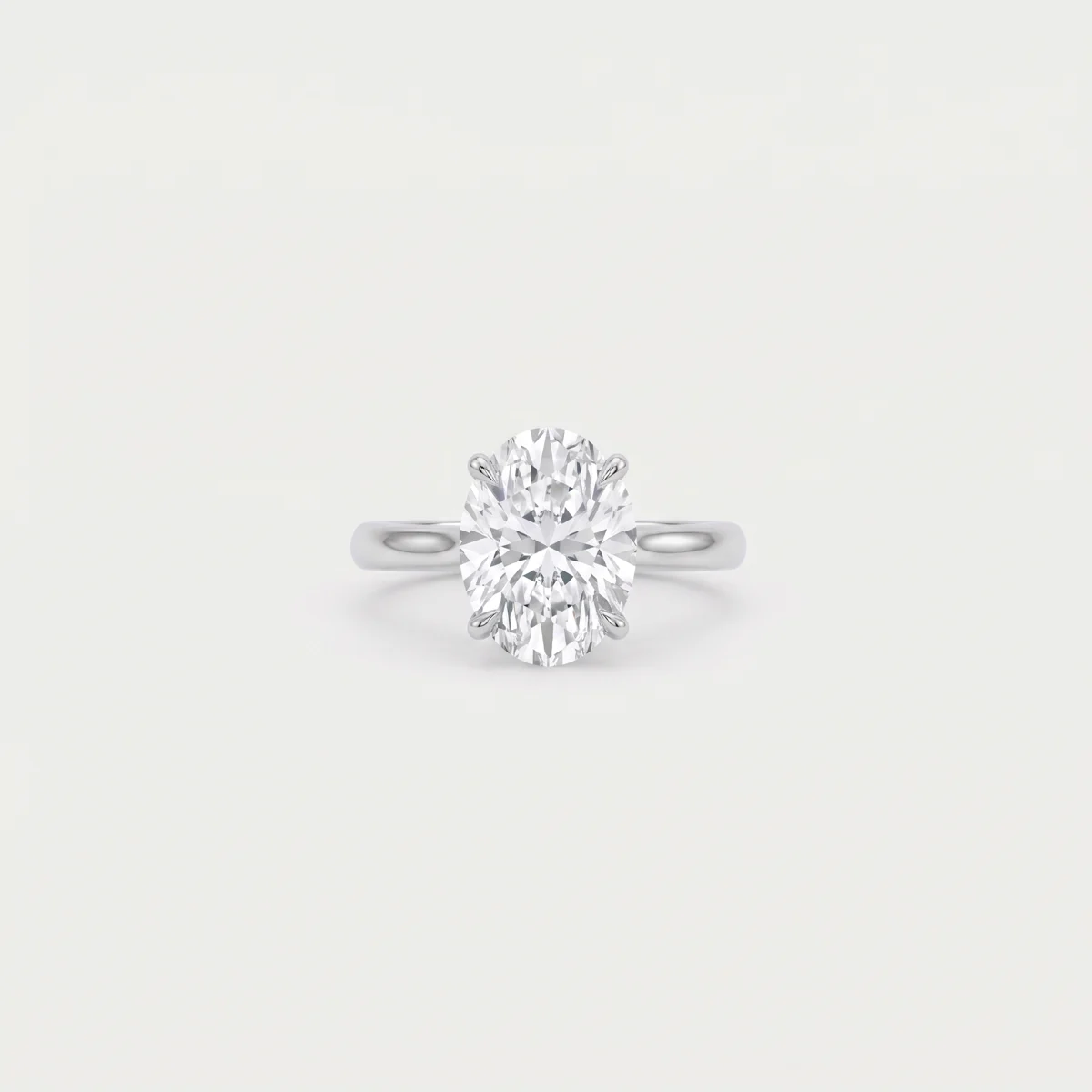
- Product fidelity. Do the bottle, the ring or the headphones stay exactly as in the first frame: shape, label, stone count.
- Audio. Do you need synchronised speech in the shot itself, or are sound and voice-over built in the edit.
- Length. A shot of 5 to 8 seconds covers most films; a longer shot saves cuts but gives the model more time to drift.
So we work with one model we know in depth, and review every shot on a large screen before it goes into the edit.
Why we start every shot from a still frame
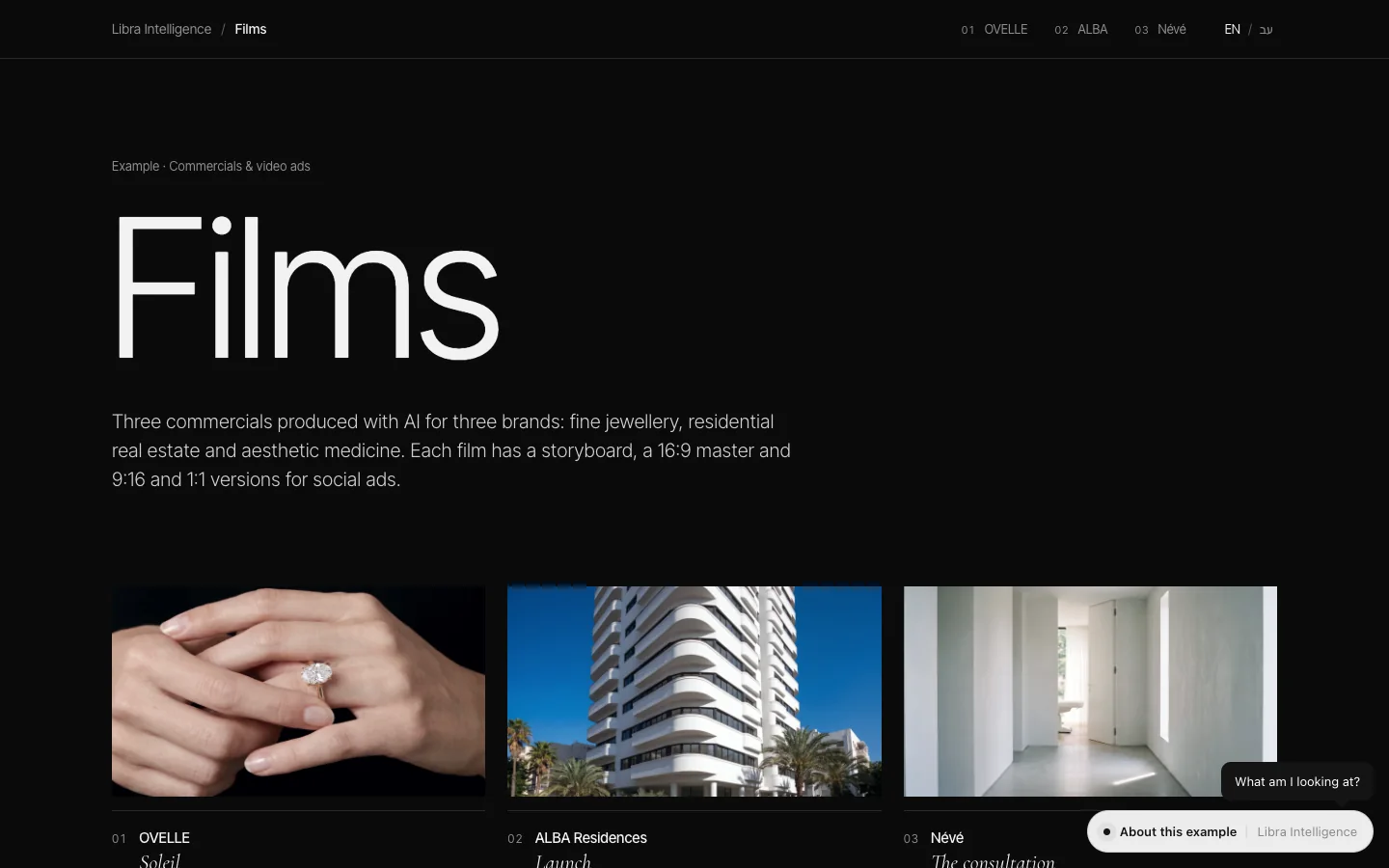
Our method is simple: first generate and approve a still for every shot, with the character from the character sheet and the product from the product sheet, and only then move it. The character, product and light are approved before any video is paid for, and the model only has to add motion rather than invent. Switching models mid-project also becomes simple, because the frames are yours. In the commercials we produced for OVELLE, ALBA and Névé, three fictional businesses, the same faces and the same product return in every shot because of that order. How a consistent character is built is covered in AI models for fashion and jewellery brands.
Limits of AI video: what still breaks
Even Runway, introducing Gen-4.5, lists limitations it calls common to video models: effects that come before their causes, objects that disappear or appear between frames, and actions that succeed too often. These are the failure types we meet when working for brands:
| Failure type | What it looks like | What to do |
|---|---|---|
| Face drift | The character changes as she turns or comes closer | Start from an approved still, shorten the shot, reject and regenerate |
| Product change | A smeared label, an extra stone, a cap of another shape | Gentle motion around the product; place the logo in the edit |
| Hands | Fingers merging, a grip that changes mid-shot | Simple hand poses, or a shot without hands |
| Physics | Liquid that flows wrongly, fabric behaving like rubber | Short shots and a check in slow motion |
| On-screen text | Garbled letters on signs and labels | Never ask the model for text; add it in the edit |
| Dark faces | Faces rendered too dark for the scene | Write the light on the face into the instruction and lift it in the grade |
The rule: a film that shows a product must show the real product. A beautiful shot with a garbled label does not go live.
How to choose an AI video model for a brand film
- Start from the deliverable: a 15-second story ad, a campaign film for the website, or a product loop for a product page.
- Define what must stay identical: face, product, logo, colour.
- Generate and approve a still for every shot.
- Run the same shot in at least two models and review on a large screen.
- Decide whether audio is generated in the shot or built in the edit.
- Check the format fits the platform: vertical for reels and stories, landscape for the website.
- Check the AI labelling rules of the platform where the film will run.
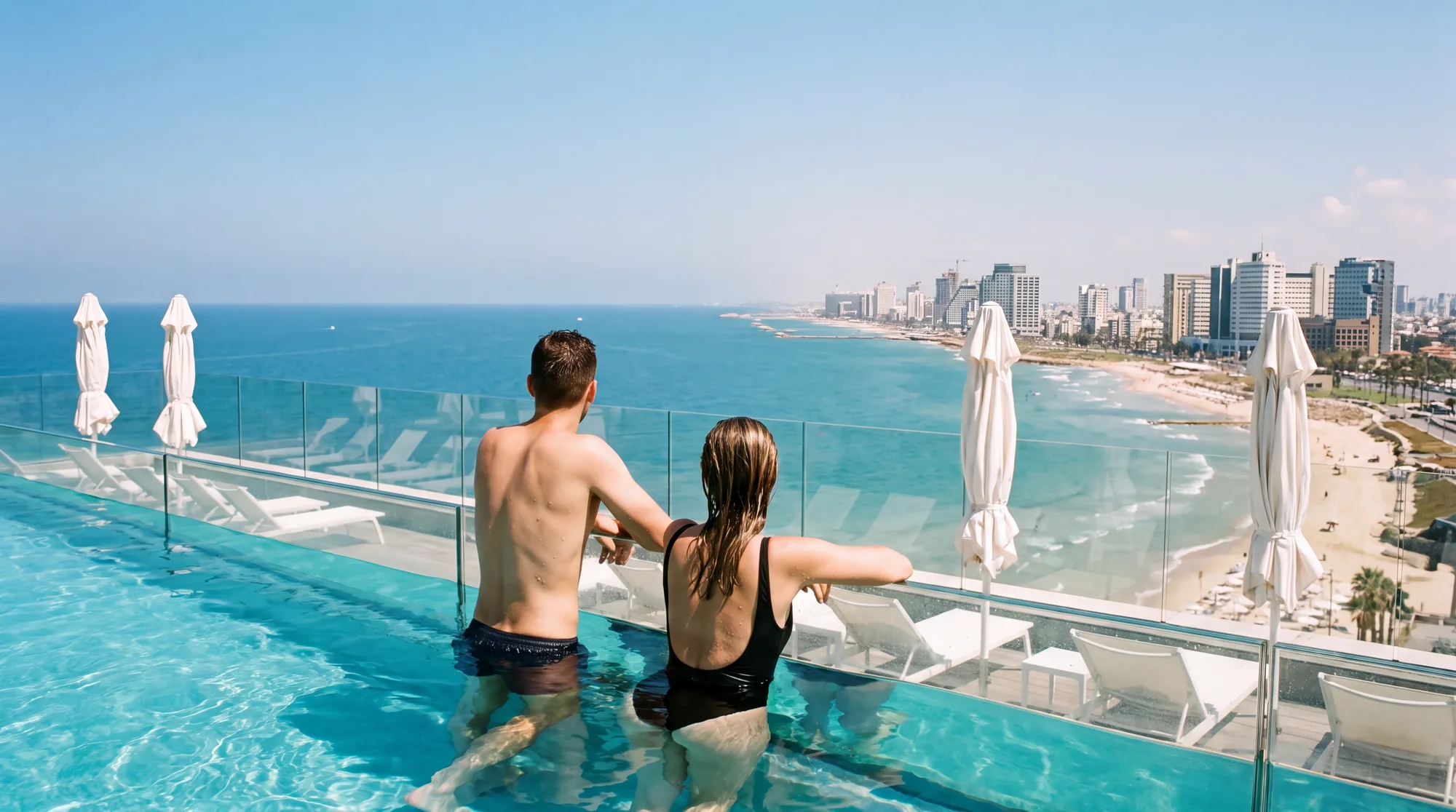
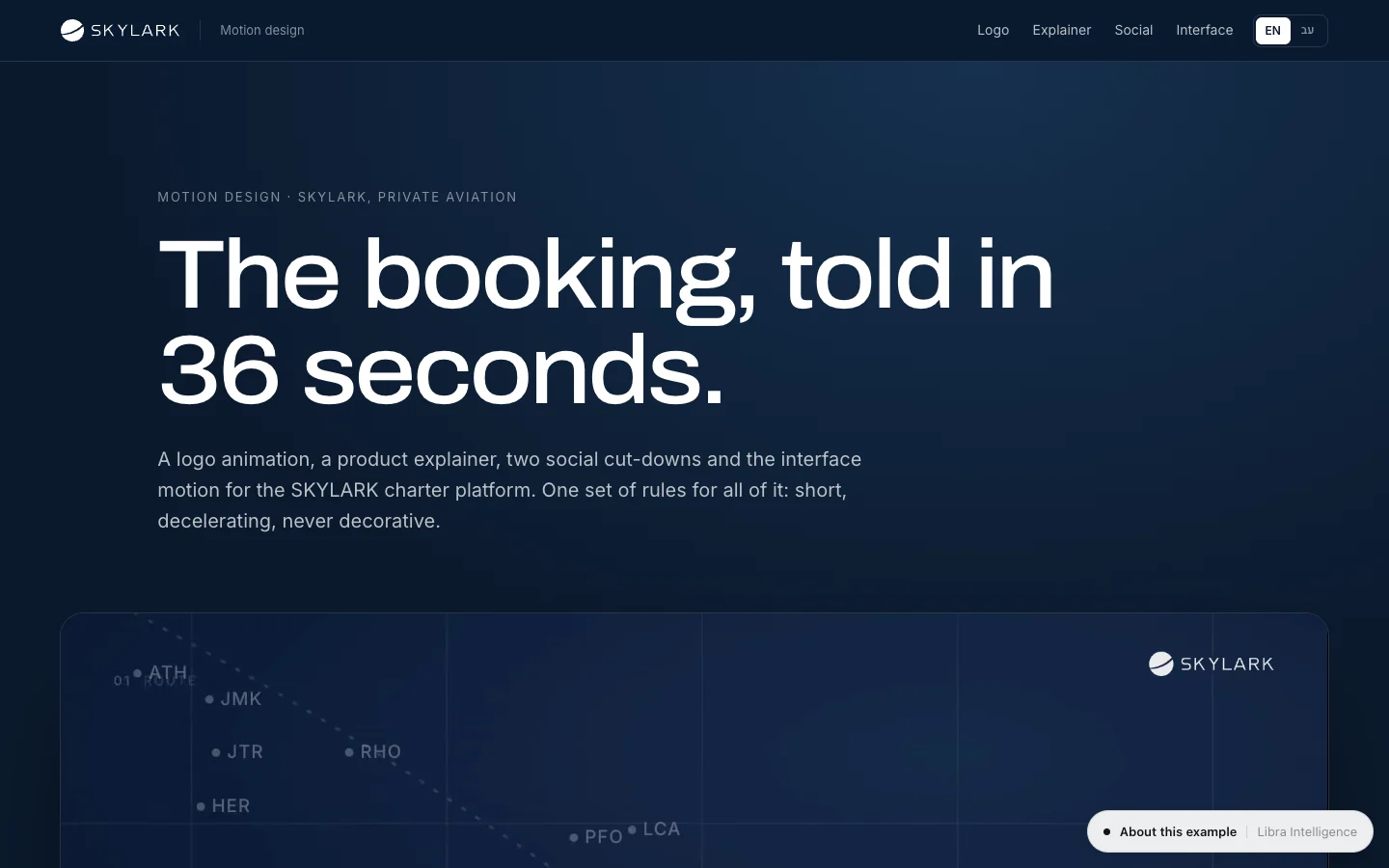
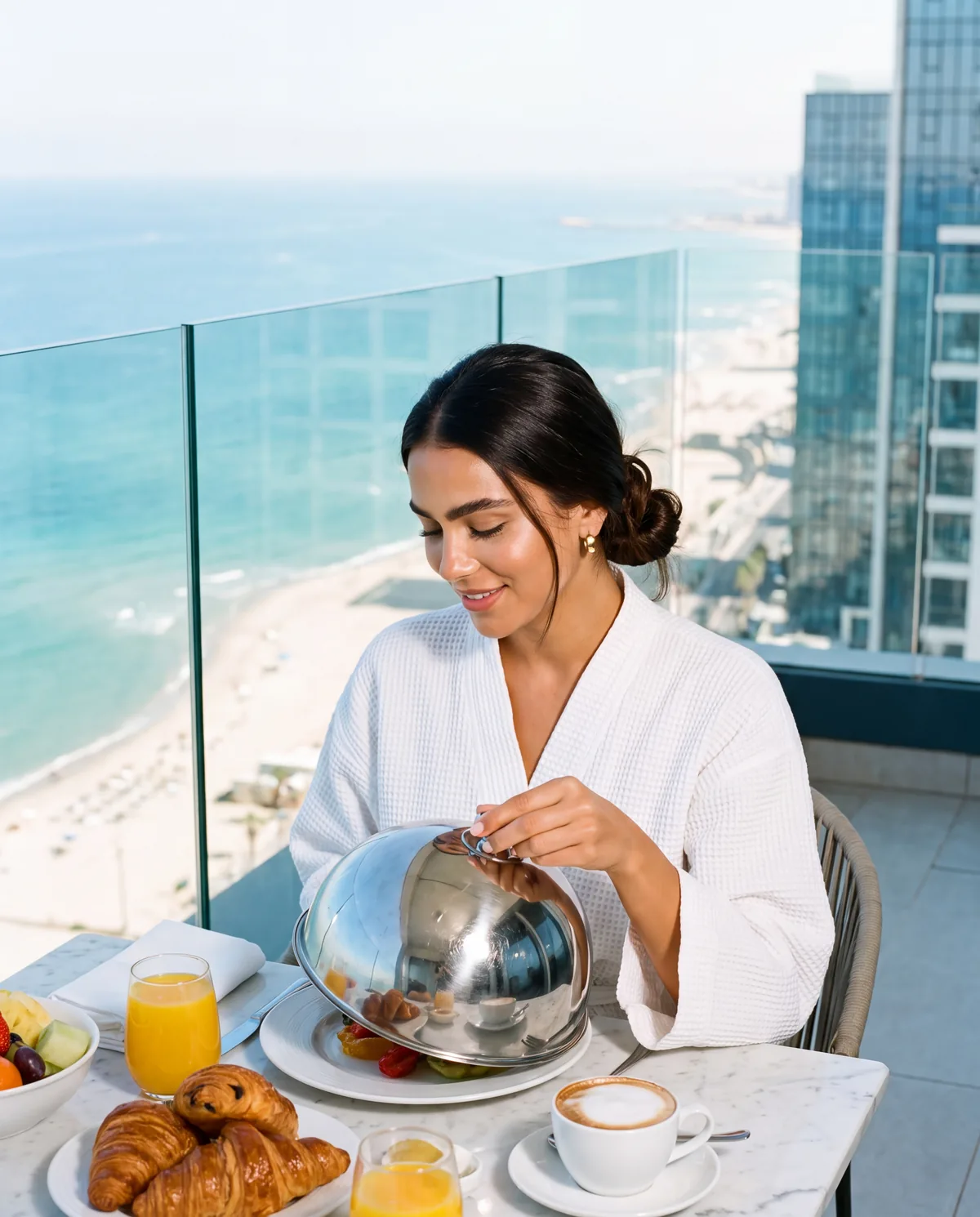
If the film will run as an ad, produce several openings for testing from the start; what works in Facebook and Instagram ads is in Meta ads creative. Ownership and labelling, what is allowed and what must be disclosed, are in can you use AI images commercially. You can also see the films in the Hôtel Marée launch campaign, a fictional boutique hotel in Jaffa, and in SKYLARK’s motion design.
AI video at Libra
At Libra we produce commercials, reels and campaign films from approved frames, with a fixed character and product. The details are on our AI models, product imagery and video page.
For a film for your brand, send a brief with the product, where the film will run and its length. We reply by email with a direction, a written price and a delivery date.
No term matches.
Questions
What is the difference between text-to-video and image-to-video?
In text-to-video the model invents the whole shot from a description; in image-to-video it starts from an existing frame and adds only motion. For a brand, every shot with a product or a recurring character is built from an image.
Which AI video generator is best?
No single model is best for every shot. Choose by what must stay identical, face and product, and by the length and audio the shot needs, and run the same shot in at least two models.
How long can an AI-generated video be?
The shots themselves are short: according to the vendors, Veo 3.1 generates up to 8 seconds per run, Kling 3.0 up to 15 seconds and Seedance 2.5 up to 30 seconds. Longer films are built from shots in the edit.
Do AI video generators create sound?
Some do. Veo 3.1 always generates audio with the picture, Kling 3.0 generates speech in several languages and Seedance generates audio and video together. In a commercial, sound and voice-over are usually built in the edit as well.
What happened to Sora?
OpenAI told developers that the Sora 2 models and the Videos API would be removed from its API on 24 September 2026, with no replacement listed.
How do you keep a product identical in AI video?
Generate and approve a still from the product sheet, move it with gentle motion, and place the logo and any text in the edit rather than asking the model for them.
Getting started
Want this for your business?
Send a short brief: three required questions, the rest only if you like. We reply by email with a direction, a written price and a date.