AI product photography vs a photoshoot: when each wins, and when to combine them
When AI product photography beats a studio shoot, when a shoot is the only honest option, and the hybrid most brands use: a decision table, cost logic and a checklist.
Part of the guide: AI content creation for brands: what you can make, how it works, and what to check before you publish
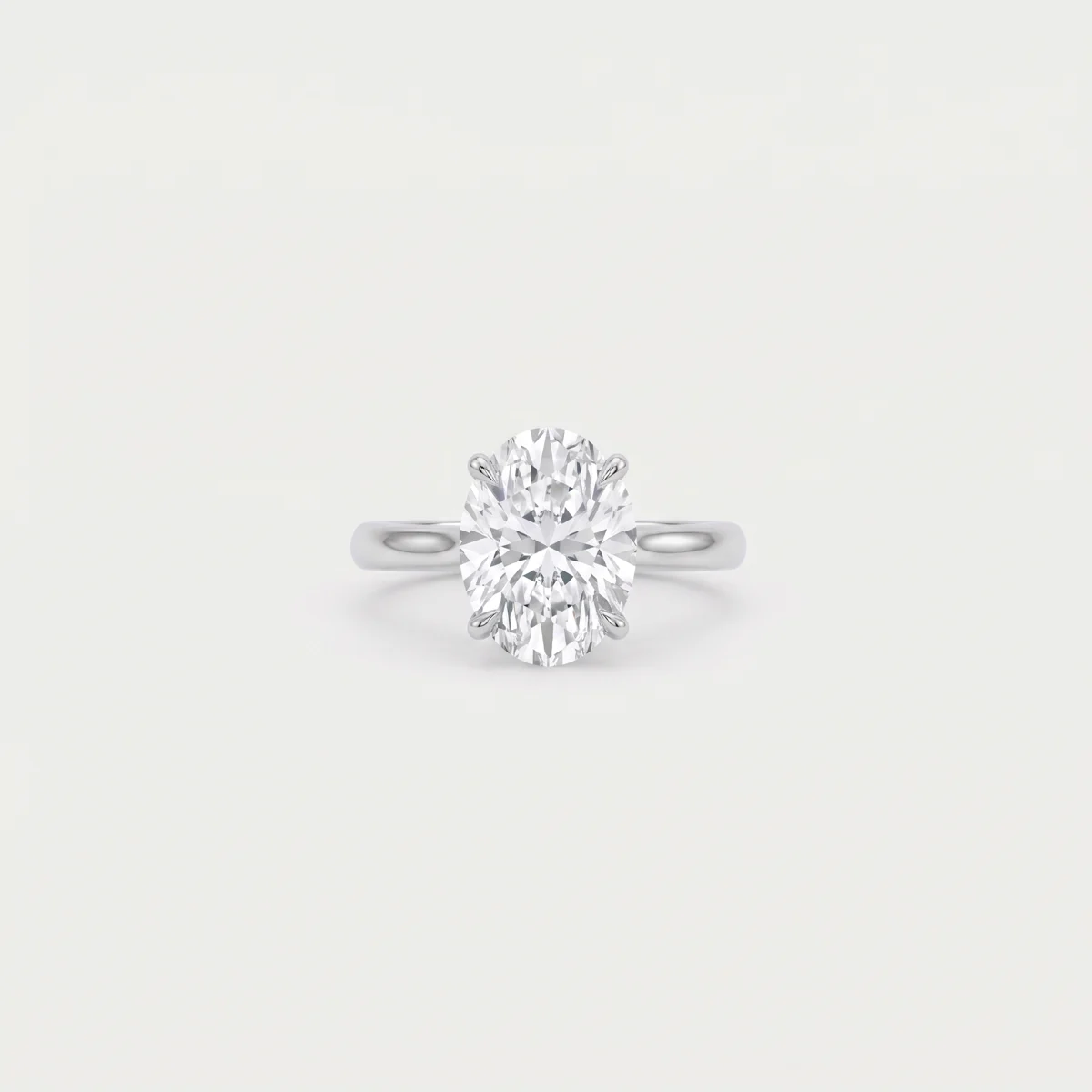
AI product photography wins when you need many images around a product: scenes, locations, seasons, a model and ad variations, quickly and without booking a shoot for every change. A studio photoshoot wins when the image itself is evidence: texture or colour that is the product, regulated claims, real people and events that actually happened. For most brands the right answer is both: one precise shoot of the product, then AI for every scene and variation built on it.
How AI product photography works step by step is covered in our guide to AI product photography. This page is only about the decision: what to choose, on what basis, and what to ask before you commit budget.
AI vs a photoshoot: the decision table
The table compares the two on what actually drives the decision. There is no “quality” column, because either route can produce a good or a bad result. The difference is what each does easily and what it does with effort.
| Factor | AI product imagery | Studio photoshoot |
|---|---|---|
| Cost structure | A setup cost (source photos, product sheet, direction), then cost per image or round | A high fixed cost per day (crew, studio, model), plus retouching per image |
| Lead time to first image | Days, once good source photos exist | Weeks: booking crew, casting, location, the shoot day, retouching |
| Number of variations | Close to unlimited: backgrounds, seasons, aspect ratios | Limited to what fitted into the day |
| Product fidelity | Good from a fixed reference with every image checked; small text and fine details can drift | Complete: the real product is in front of the camera |
| Human models and faces | An AI character, one-off or a fixed brand face; not a real person | A real person, with a contract, consent and usage terms |
| Locations | Anywhere, with no travel or permits | Every location is another day, permit and set of logistics |
| Consistency across a season | High when the product and the character are kept as references | Depends on the same crew and model being available next season |
| Usage rights | Depend on the tools’ terms and local law; copyright in AI output is not guaranteed | Clearer, though model usage fees are often limited by term, territory and media |
| Reshoots and changes | Another generation round | Another shoot day, or heavy retouching of what you have |
When AI product photography is the better choice
AI wins on everything around the product and on anything that needs volume. The clear cases:
- Many SKUs, little time. A new collection with dozens of items that needs category images and banners before launch.
- Ad variations. The same product on several backgrounds, angles and ratios (1:1, 4:5, 9:16) to test what works in a campaign.
- Seasons and holidays. A summer set, a holiday set, a sale set, without building a new set for each.
- Locations that are hard to reach. A beach at sunset, a hotel suite, a dark studio with cinematic light. In reality each is a production.
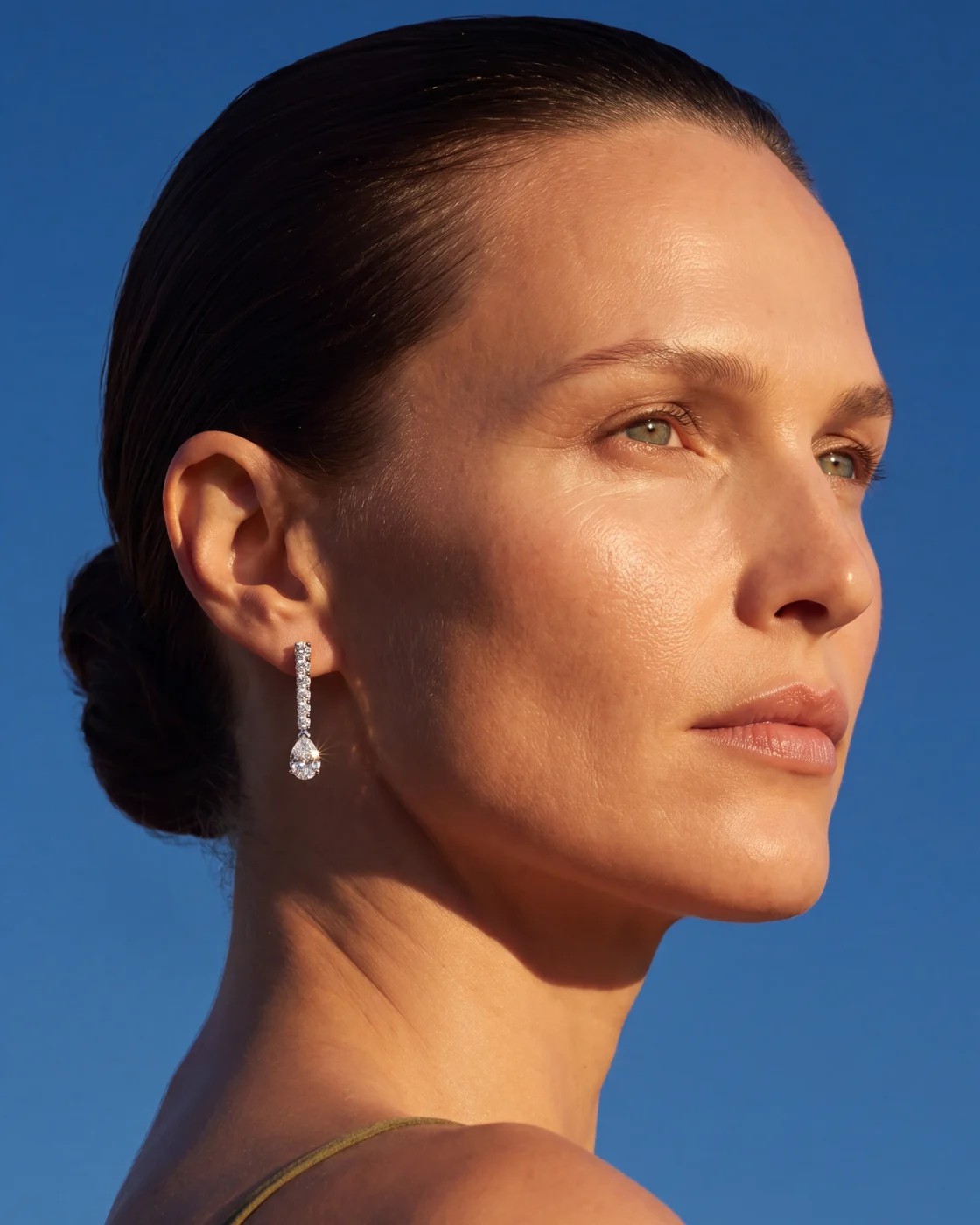
- A fixed brand face. When the same person should appear in every post and campaign over time, independent of a model’s availability. More in our guide to AI models for fashion and jewellery brands.
- Monthly social content. Feed, stories and reels that need refreshing every month in the same visual language.
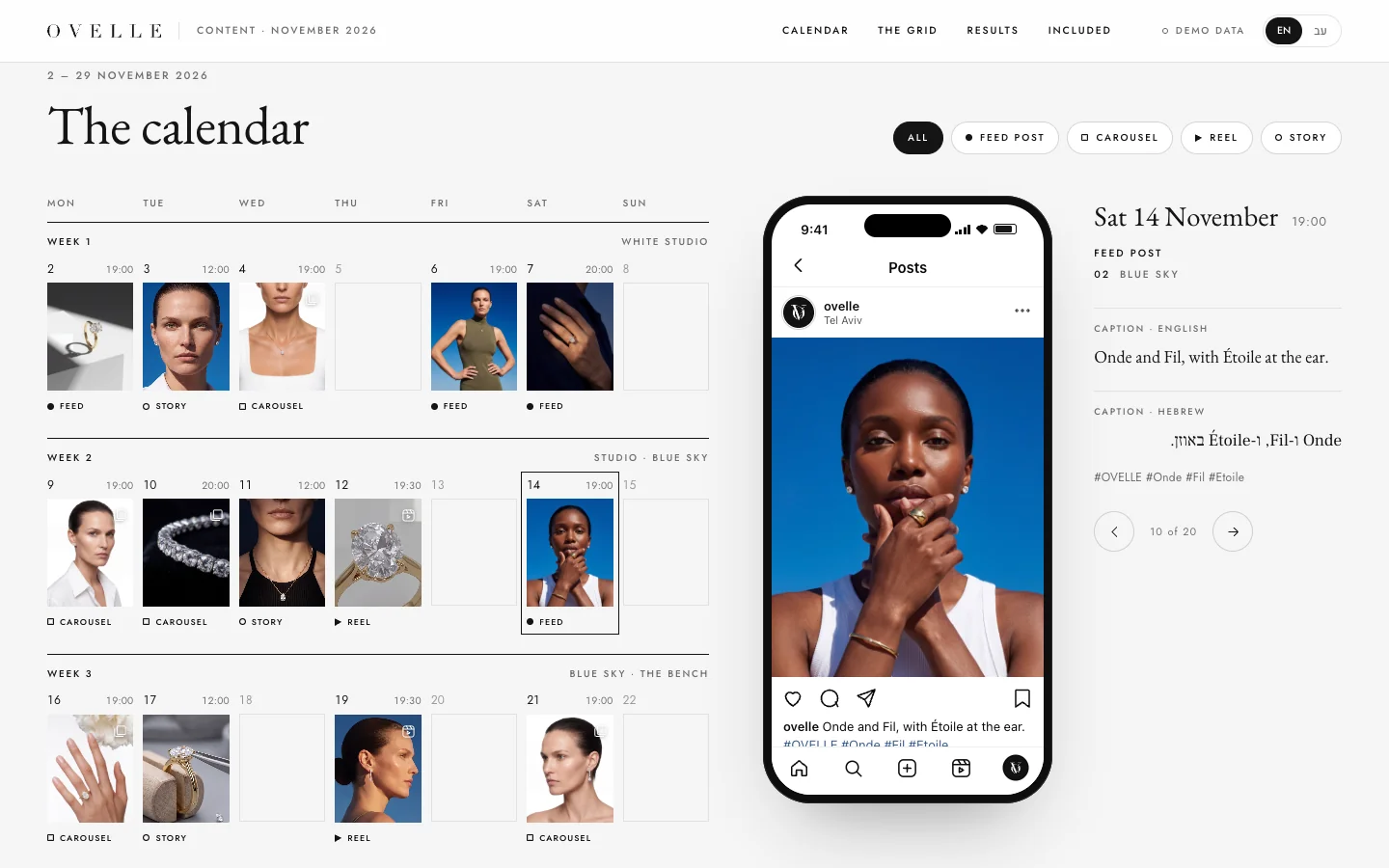
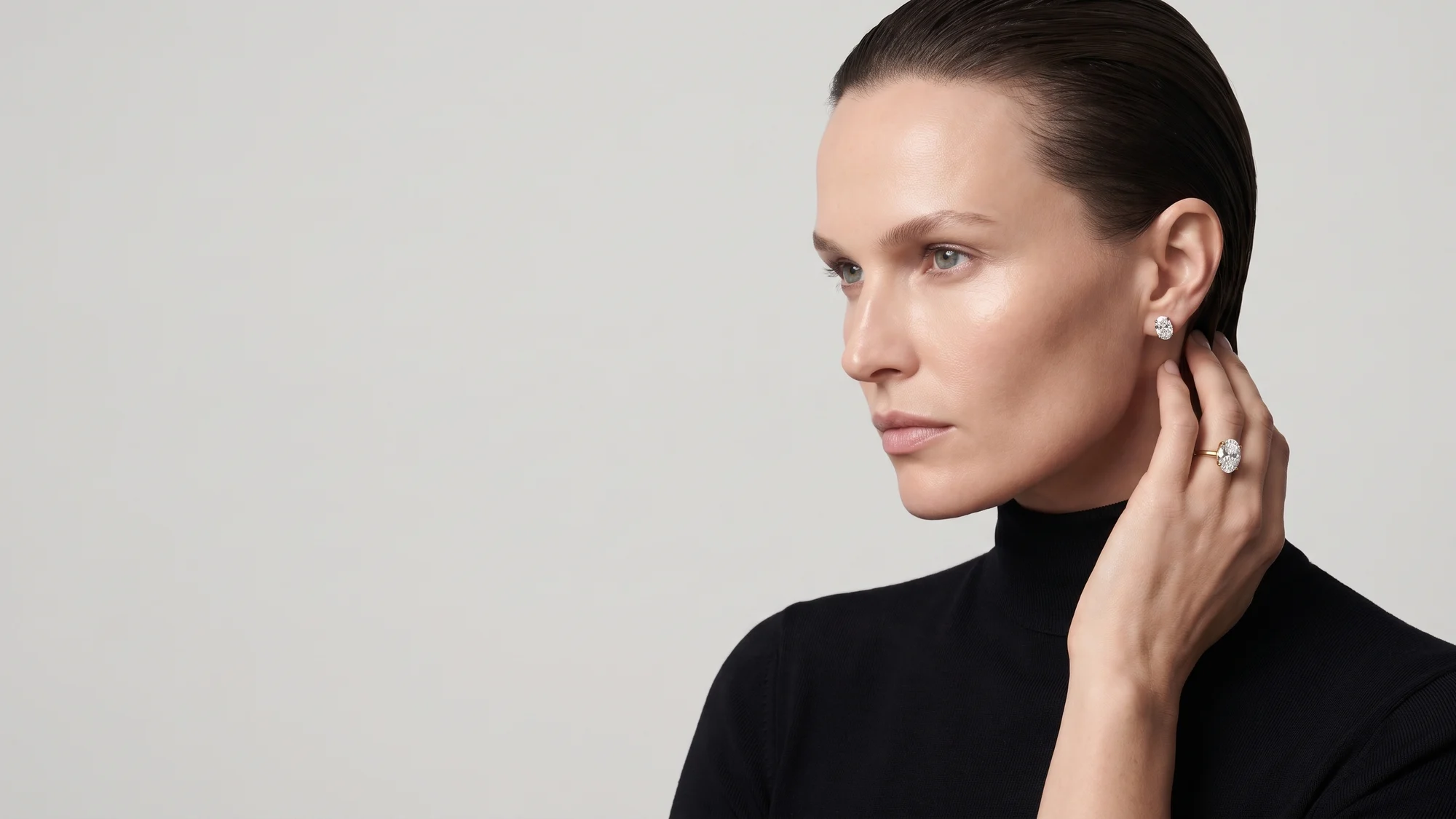
In the OVELLE jewellery store, a concept we built for a fictional jewellery house, the campaign and category images were generated from a fixed product sheet for each piece, and the brand’s month of social content came from the same library. That is exactly where AI saves time: many images, one product, one world.
When you still need a photoshoot
In some cases a real photograph is not a preference but the honest option. In most of them the image works as evidence, not just atmosphere:
- Texture-critical and colour-critical products. Fabrics, make-up, hair colour, leather, wood. A model can shift a shade or smooth a texture, and that difference is the difference between a happy customer and a return.
- Medical, cosmetic or regulated claims. Before-and-after images, treatment results, compliance with a standard. These must be photographs of what actually happened.
- Real people. The founder, the team, the chef, the doctors, customers who gave consent. An AI character cannot stand in for someone the audience is meant to know.
- Events. A launch, a night at the restaurant, a trade show. If the image says it happened, it should come from the event.
- Tiny details that are the sale. A personal engraving, a watch movement, a hand-stitched seam.
- The main image on marketplaces and shopping feeds. Google, for example, asks that the main image in Merchant Center accurately display the entire product on a white or transparent background (Google Merchant Center image requirements). A photographed packshot is the safe route.
There is also a legal side wherever you sell. Consumer protection rules in most markets forbid misleading buyers about what they are getting; Israel’s Consumer Protection Law, for example, lists quality, quantity, measurements and shape among the material points a business must not mislead on. An image that improves the product itself, by AI or by retouching, is that kind of risk, whichever tool made it.
The hybrid: one shoot, many scenes
For most brands that sell a physical product this is the answer. Instead of choosing, split the work by what each route does best:
- One shoot day of the product. Packshots on white, every angle, close-ups of the label, engraving, texture and colour, under controlled light. If real people are needed, they are photographed the same day.
- A product sheet. From those photos, a fixed reference sheet per item with dimensions and materials. Every scene is generated from it.
- AI for scenes and variations. Locations, seasons, an AI model, versions for ads and for every aspect ratio.
- Checking against the photograph. Every AI image is compared at full zoom with the original packshot before it goes live.
Nothing is wasted. The packshots serve the product page and the marketplaces, and the same photos are the source material for AI. When a new season comes, you order a generation round rather than another shoot, as long as the product itself has not changed. How packshots and scenes work together on the page itself is covered in what a product page that sells includes.
The photograph proves what the product is. AI shows where it lives.
How much each route costs: the logic
We do not quote a price list for shoot days here. Rates for photographers, studios and models vary widely by experience, sector and scope, and any single number would mislead. What can be compared is the structure. A studio shoot day is usually built from these lines:
- Photographer, by the day or half day, sometimes with an assistant and a lighting technician.
- Studio or location, including lighting equipment and permits.
- Stylist or set designer, and props.
- Model, often with usage fees limited by term, territory and media.
- Hair and make-up.
- Retouching, usually per image, which grows with every extra frame.
- Logistics: shipping the products, transport, catering.
With AI the structure is inverted. There is a one-off setup cost (source photos, a product sheet per item, visual direction, sometimes a fixed brand character), and after that cost grows with the number of images or videos and rounds of revisions. So AI pays off the more variations you need of the same product, and a shoot pays off when you need a few extremely accurate images. When you ask for quotes, ask every supplier to itemise along these lines and compare line by line.
Rights, models and disclosure
Three questions worth settling before you pick a route, whichever one it is:
- A real person’s likeness. A shoot needs a signed release from the model, with the usage terms written down. With AI, a brand character is never built from photos of a real person without their consent.
- Who owns the images. With a shoot, the photographer’s contract decides what is yours. With AI, whether the output is protected by copyright is still unsettled in many countries; the US Copyright Office, for one, published a full report on the question in 2025 (copyright.gov). We cover it in who owns AI images.
- Labelling. Google requires AI-generated images submitted to Merchant Center to keep the IPTC metadata tag that marks them as AI-generated, and not to strip it (Google Merchant Center). Ask your studio to deliver files with that metadata intact.
Checklist before you choose
Answer these before booking a shoot or an AI production. In most cases the answers choose for you:
- How many images do you need in the coming months, and for how many SKUs?
- Is the colour, the texture or a tiny detail what the customer is buying?
- Does the image need to prove something: a result, a regulated claim, an event?
- Do you need real people the audience is meant to recognise?
- Which platforms will show the images, and what are their rules for the main image?
- Do sharp photos of the product from every side already exist, or do they need shooting first?
- Should the same face represent the brand across seasons?
- How soon do you need the first images, and how often will they be refreshed?
- Who owns the files at the end, and what may you do with them?
If most answers point to volume, speed and range, AI is the base. If they point to evidence, real people and material accuracy, start with a shoot. If there is some of each, which is the usual case, build the hybrid. For the wider picture of AI content for a brand, including video and monthly content, see our complete guide to AI content creation for brands.
What we do at Libra
At Libra we produce product imagery, a fixed AI model for the brand and AI commercials from the real product, as part of our AI content service. We are based in Israel and work for brands selling there and abroad. When a product needs a real photograph, we say so in the proposal and plan the hybrid so the shoot also becomes the source for everything that follows.
Send a brief with photos of the product, the platforms and how many images you need. We reply by email with a direction, a written price and a delivery date, and we state plainly what to photograph and what to produce with AI.
No term matches.
Questions
Is AI product photography better than a photoshoot?
It depends on what the image has to do. AI is better for volume, scenes, seasons and ad variations; a shoot is better when colour, texture, real people or a regulated claim is the point. For most brands, the combination is right.
Is AI product photography cheaper than a photoshoot?
Usually when you need many images of the same product, because after the setup cost each extra variation is a generation round, not a shoot day. When you need only a few extremely accurate images, a shoot can be just as economical.
Can I use AI images as the main image on Google Shopping?
Google allows AI-generated images in Merchant Center as long as they keep the metadata tag that marks them as AI-generated, and the main image must accurately show the entire product. For the main image, a photographed packshot is still the safe choice.
How do you combine a photoshoot with AI?
Shoot the product once from every angle with close-ups, build a fixed product sheet from those photos, and generate every scene, season and ad from it with AI. Each AI image is checked against the original photograph.
When do you still need a photographer?
When the product sells on colour or texture, when the image shows a result or claim that must be real, when you need real people or an event that happened, and when a platform requires an exact packshot.
Who owns AI-generated product images?
That depends on the tools’ terms, your contract with the studio and the law where you operate, and whether AI output is protected by copyright is still unsettled. Put in the contract that the files and the rights to use them pass to you.
Getting started
Want this for your business?
Send a short brief: three required questions, the rest only if you like. We reply by email with a direction, a written price and a date.