AI product photography: what is possible today, and what isn’t
How AI product photography works, which photos it starts from, where it replaces a shoot day and where you still need a photographer. Plus what to check before an image goes live.
Part of the guide: AI content creation for brands: what you can make, how it works, and what to check before you publish
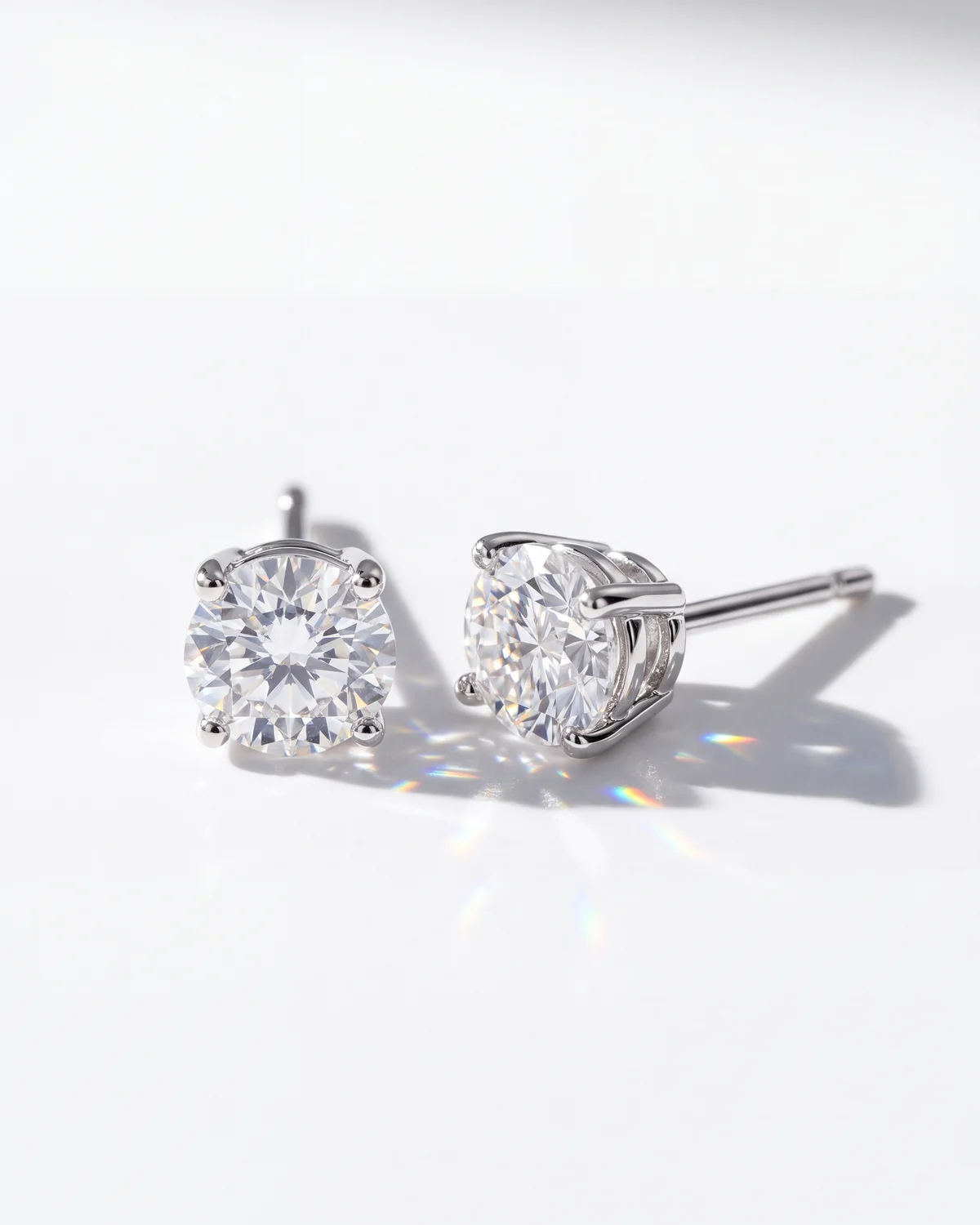
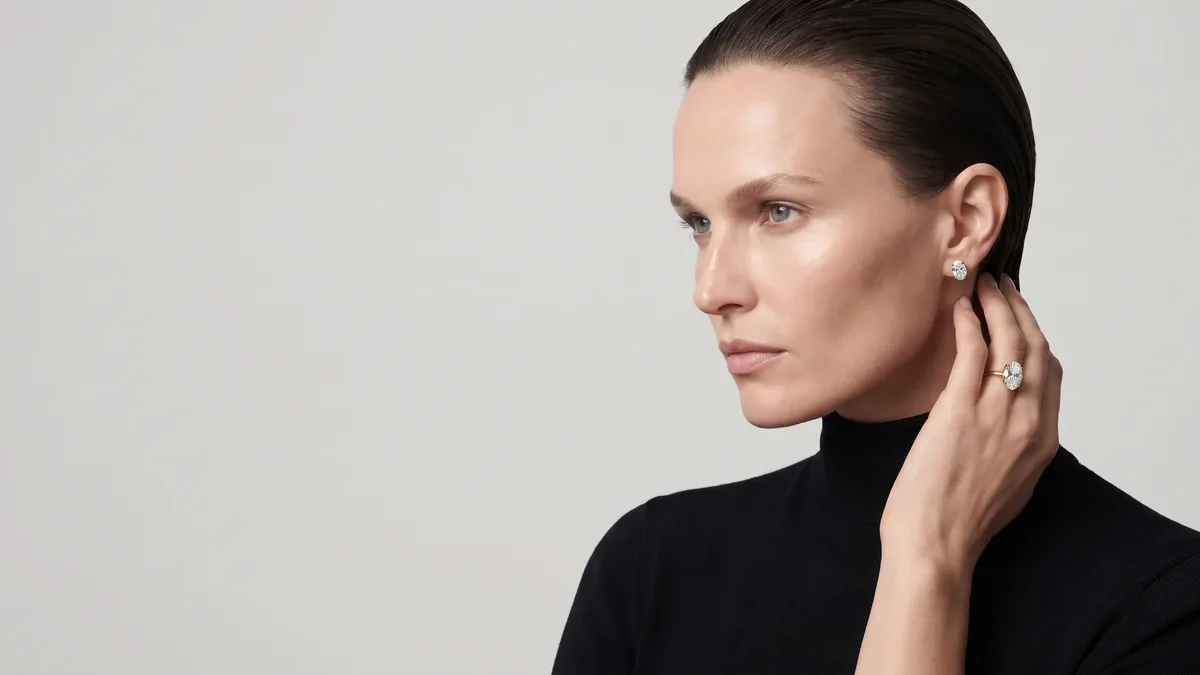
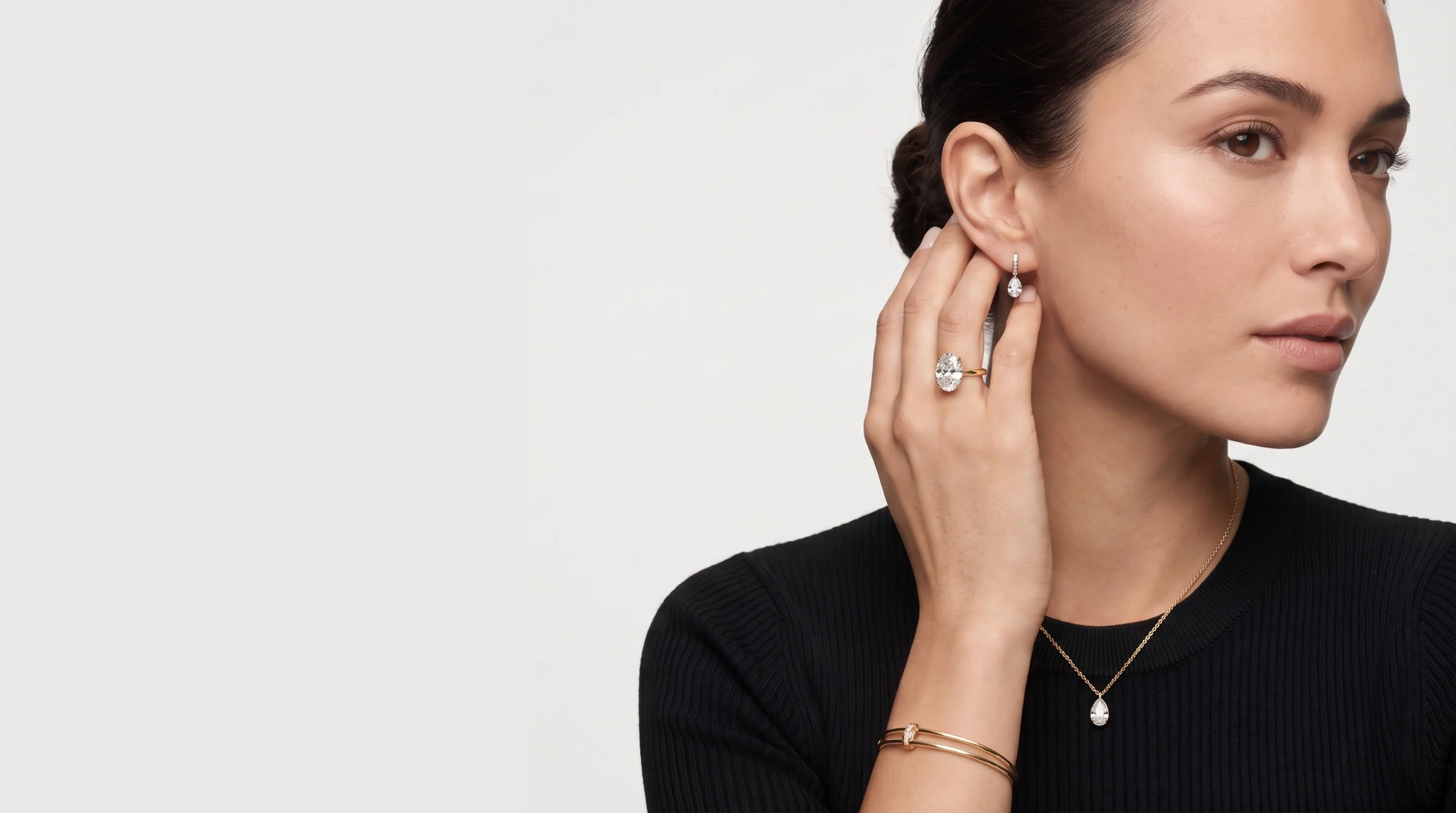
AI product photography can now handle most of what an online store needs around a product: scenes, lighting, locations, an AI model, seasonal sets and ad variations, without booking a shoot for every change. What it still gets wrong is the small stuff: text on labels, logos, the number of stones in a ring, hands and scale. So a reliable process starts from real photos of the actual product, not a written description of it, and ends with a person checking every image against the real item.
How AI product photography works in practice
The common mistake is to type "black perfume bottle on marble" and hope the result is your bottle. A model that only gets text redraws the product every time: the cap changes shape, the label gets different letters, the proportions drift. The image looks good, but it is not the product you sell. Serious work starts from the physical item and moves in steps:
- Source photos of the product. Several angles (front, side, back, top), close-ups of the label, engraving, clasp or stones, in good even light on a clean background.
- A product sheet. From those photos we build one reference sheet that shows the product from every side, with dimensions and materials. It becomes a fixed reference in the generation system, and every scene is generated from it. The product stays the same product in the first image and the hundredth, instead of being reinvented from text each time.
- Visual direction. Before generating anything, agree on a language: type of light, palette, background materials, camera distance. Mood images help, as long as they are used for style only, never for the product or the person.
- Generation in rounds. Several versions per scene, a selection, then fixes.
- Checking and correcting. Every image is checked at full zoom against the real product. Anything that fails is fixed or dropped, however attractive it is.
- Preparing for publishing. Crops for each placement (product page, category, social, ads), compression for the web, sensible file names.
What AI does well
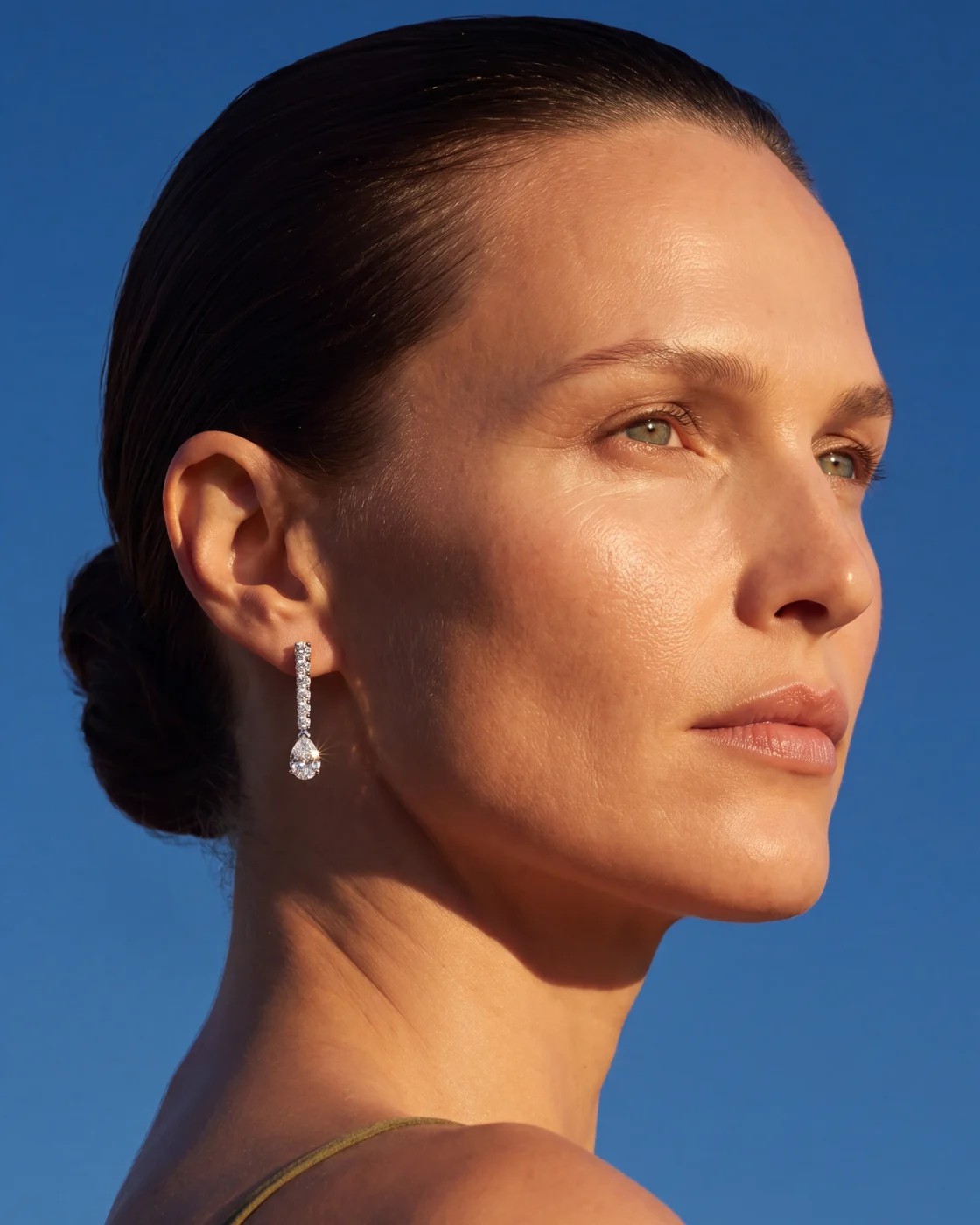
AI’s strength is everything around the product. Instead of building a set, renting a location and waiting for golden hour, the same product can be placed in dozens of settings and you keep what works.
- Scenes and locations. A marble kitchen counter, a bathroom shelf, a beach, a hotel room, a dark studio. Same product, a different context for each audience.
- Light. Soft window light, hard sun with crisp shadows, controlled studio light. Light can be held consistent across a whole set, which is hard when a real shoot spreads over several days.
- AI models. A product on a hand, around a neck, inside a bag, without casting or a shoot day. More on the difference between a random face and a fixed one below.
- Seasons and campaigns. A summer version, a holiday version, a sale version, without reshooting.
- Ad variations. One idea across several backgrounds and angles so you can test what pulls. This is where AI saves the most time.
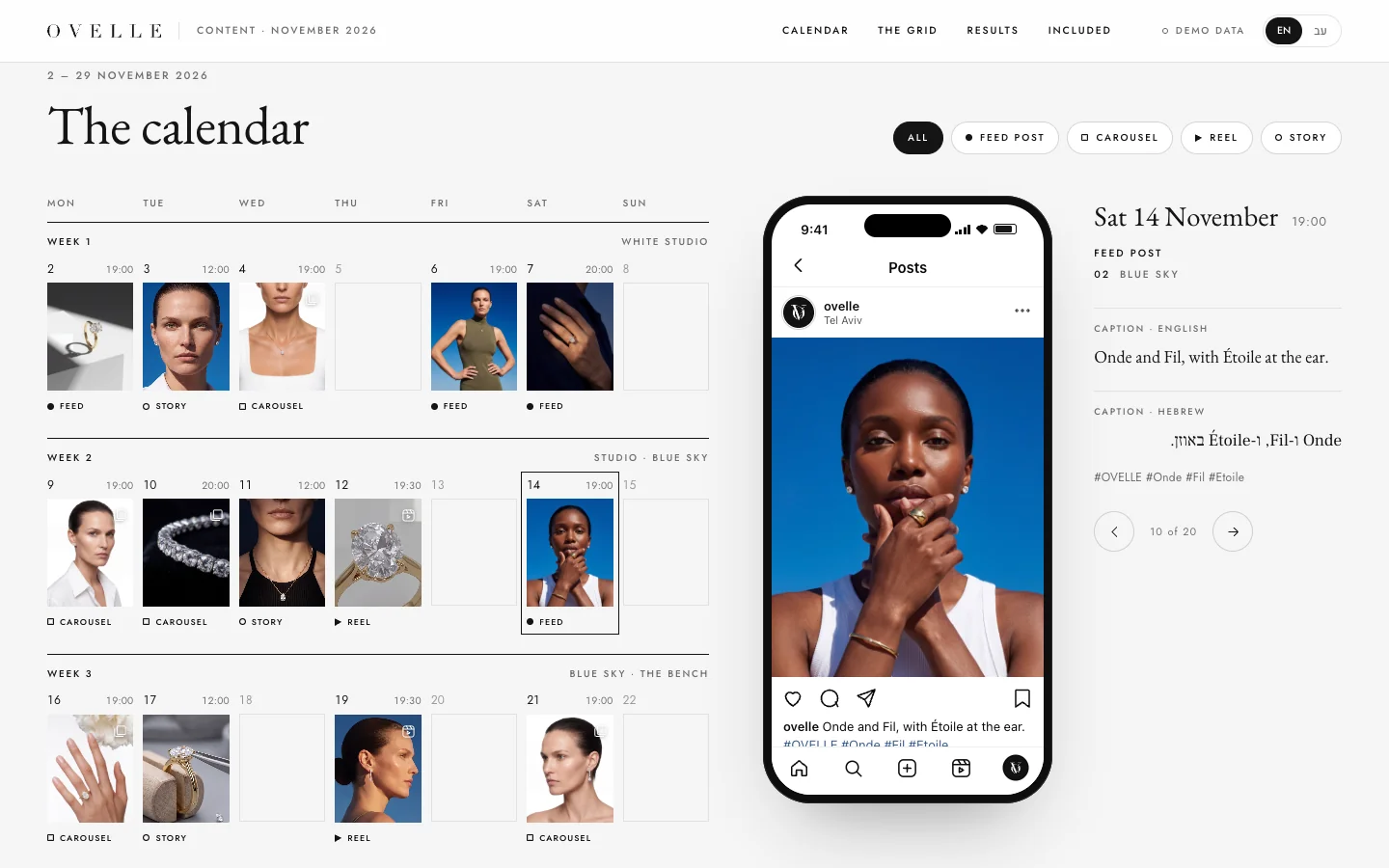
In the OVELLE online store, a concept we built for a fictional jewellery house, the category and campaign images were generated from a fixed product sheet for each piece, and the monthly social content was built from the same library. The site and the Instagram feed read as one brand rather than two different suppliers.
What still breaks: text, logos and fine detail
Models improve quickly, but a fixed list of things still goes wrong today. It is worth knowing before you start, because it shapes both how the work is set up and how long checking takes.
- Small text and labels. Letters that swap, words that smear, an ingredients list that turns into gibberish. The smaller the text, the higher the error rate.
- Logos. A redrawn logo comes out similar, not identical: a different stroke weight, different letter spacing. So logos are usually placed from the original file, not generated.
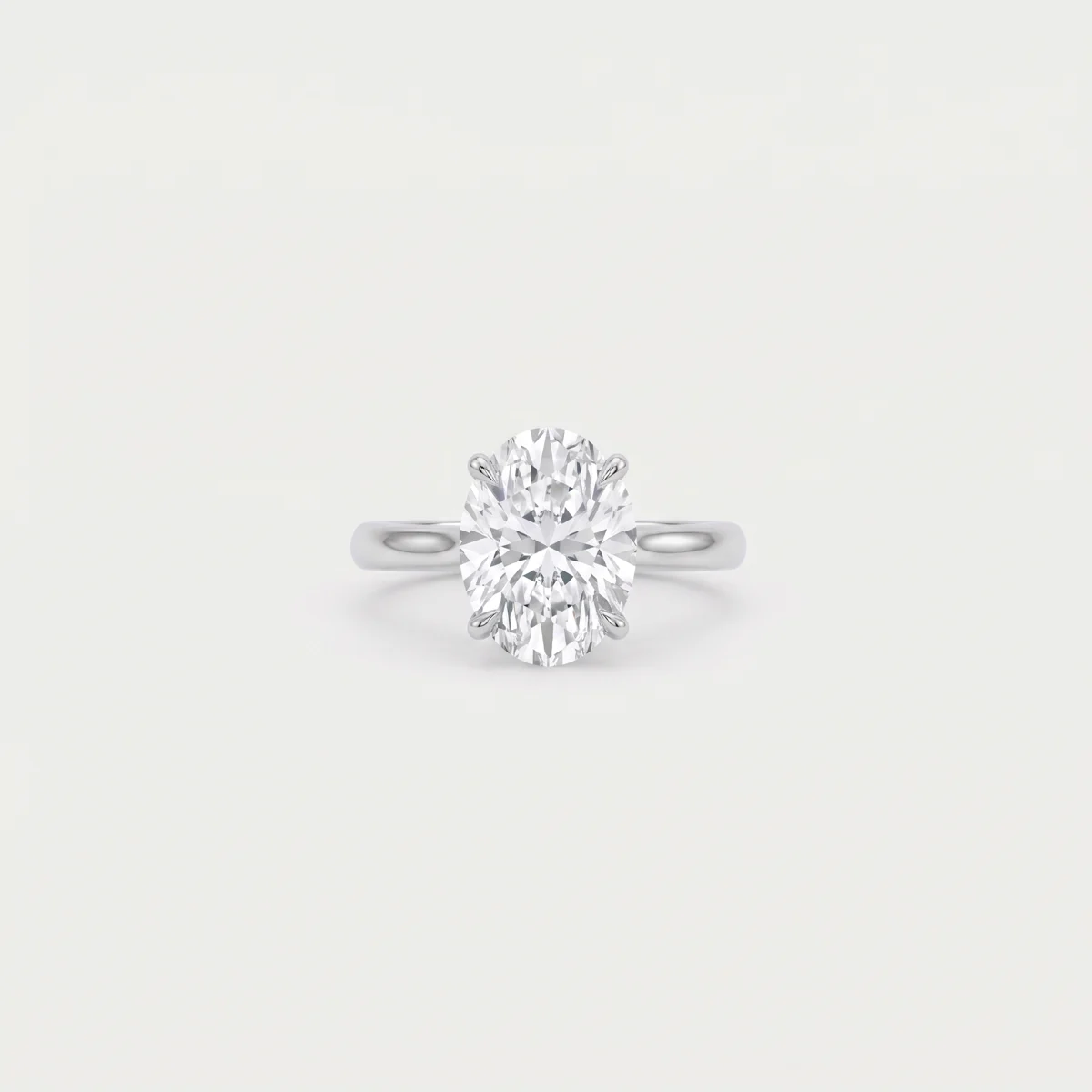
- Fine jewellery details. The number of stones, the number of prongs holding a stone, the shape of chain links. Jewellery is where these errors cost the most, because the buyer is paying for exactly that detail.
- Hands. An extra finger, an odd joint, a grip that is not really holding anything.
- Reflections. Glass, polished metal and gold mirror their surroundings. The model sometimes invents a reflection that does not match the room in the picture.
- Proportions and scale. A ring that reads as the size of a bracelet, a 50 ml bottle that looks like a litre. Without real dimensions in the product sheet, the model guesses.
- Liquids. Pours, cream textures, bubbles. Convincing at first glance, often physically wrong.
A consistent AI model for the brand
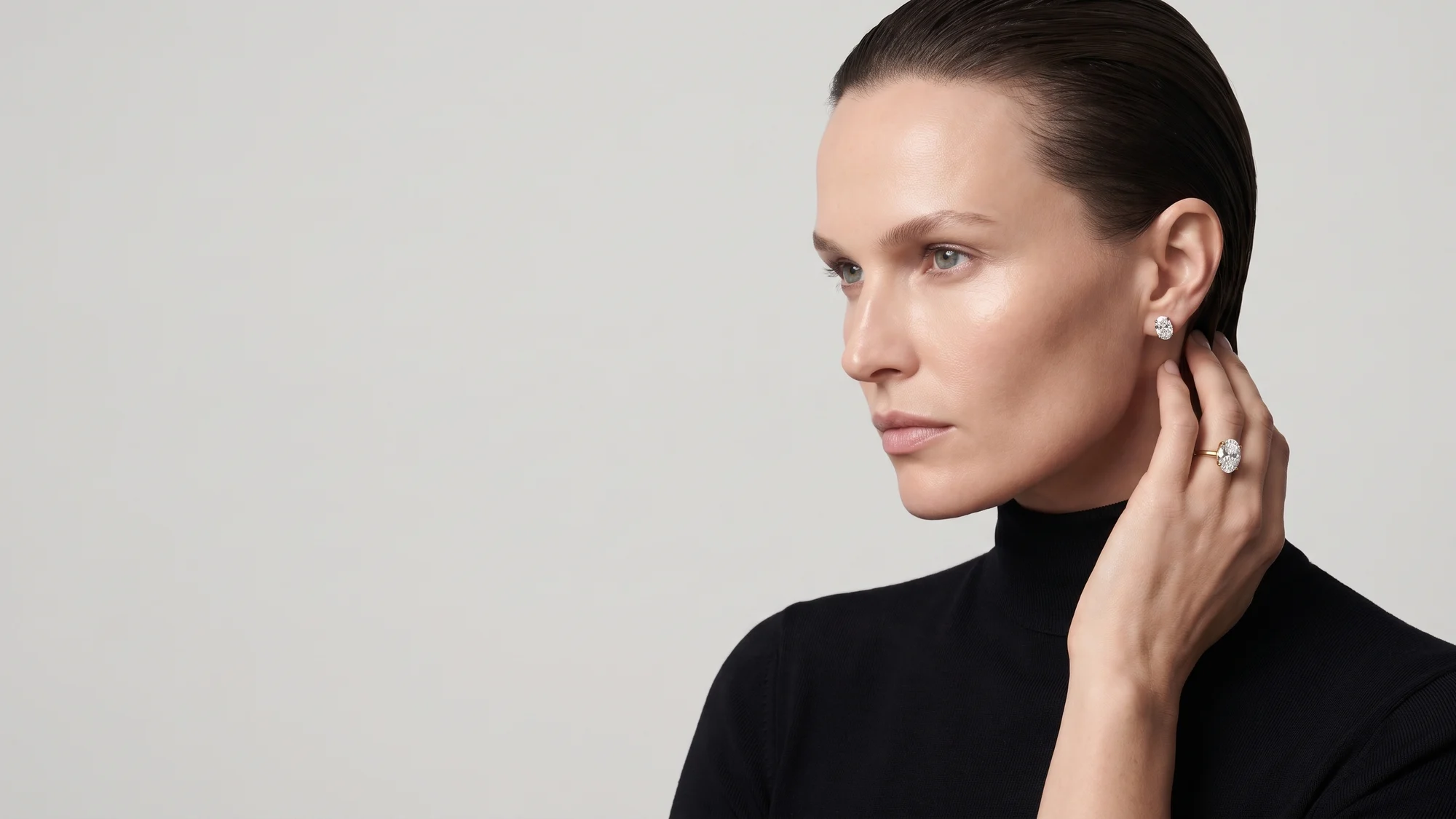
Most brands that start with AI model photography get a different woman in every image. That works for a single picture and fails for a campaign: the audience never learns to recognise the brand, and the site looks like a stock library. The fix is a dedicated character built once for the brand, with a defined face, hair, skin tone and build, saved as a reference exactly like the product sheet.
Once that character exists, every scene is generated from two fixed references, the person and the product, and the only variable is the setting. That lets you build a full season of stills and then video ads with the same face, without it changing from post to post. Even with a fixed reference, models occasionally lose the character and return a generic face, so the face is checked in every image.
A quality check before publishing
This is the easiest step to skip and the one that separates an image that sells from an image that generates returns. Check at full zoom, on a large screen, against the real product or the source photos:
- Zoom into every piece of text. Every letter, number and line. If anything differs, fix it or place the original label artwork.
- Compare with the real item. Colour, shape, material, number of parts. For jewellery, count stones and prongs.
- Proportions. The product against a hand, a face, a table.
- Logo. Identical to the original file, not merely close.
- Hands and faces. Finger count, grip, and whether the model is the same person as in the rest of the set.
- Consistency across the set. Lay all the images side by side: same light direction, same colour temperature, same camera distance. An inconsistent set looks like a store that has not decided what it is.
- Platform fit. Aspect ratio, room for ad copy, a white background where the platform requires one.
A beautiful image that does not show the real product is not product photography. It is a promise the store will end up refunding.
When you still need a photographer
AI does not replace every shot. In some cases a real photograph is the right choice, and sometimes the only one:
- Packshots for marketplaces with strict rules. Amazon and similar platforms require a main image on white that represents the product exactly. A simple studio shot is the safe route.
- Colour-critical products. Make-up, hair colour, fabrics, paint. AI shifts hues, and the difference between two shades is the difference between a happy customer and a return.
- Legal or regulatory requirements. Food, supplements, cosmetics with claims, medical products. When the image is part of what you are required to show, it has to be a photograph of the item.
- Tiny details that are the whole sale. A personal engraving, a watch movement, a hand-stitched seam.
The usual answer is a mix: a photographer for packshots and close-ups, AI for scenes, models and ads. For AI product photos for ecommerce, that combination is usually the most efficient setup.
Rights, disclosure and honest representation
The simple rule: the image has to show what the customer will receive. Setting, light and model are context, and they can be generated. The product itself, its colour, size and details, must be accurate. An image that flatters the product beyond what it is is not a technology question. It is misrepresentation.
- Transparency. Some platforms ask for AI-generated content to be labelled, and the rules change over time. Being open from the start is the safer position.
- A character, not a testimonial. An AI model does not endorse the product or say it worked for her. No invented reviews, no fabricated before-and-after.
- Rights to the material. Check that the tools’ terms allow commercial use and that every reference fed into the process is yours or licensed. Never build a brand character from photos of a real person without their consent.
Good fit, needs care, not yet
| Use | Status today | What to watch |
|---|---|---|
| Mood and campaign images | Good fit | Consistent light and character across the set |
| Category images and site banners | Good fit | Product proportions in the scene |
| Ads and test variations | Good fit | Logo placed from file, not generated |
| AI model wearing or holding the product | Needs care | Hands, grip, the same face in every image |
| Products with labels and small text | Needs care | Zoom every letter, place the original label |
| Fine jewellery | Needs care | Count stones and prongs, check reflections |
| Liquids and textures | Needs care | Physical plausibility and colour |
| Marketplace main image | Not yet | Studio shot on white |
| Colour-critical products | Not yet | Calibrated photo with a colour card |
| Regulated products | Not yet | A photograph of the actual item |
If the store is still being built, plan the imagery together with the design, not after it. Our guide to a luxury online store covers how images sit in product and category pages, and the guide to AI video ads explains how the same product sheet and the same character carry into video.
At Libra, product imagery and video are part of AI content; in the starter content package the first three videos are delivered within 5 business days. Send a brief with your product photos and a list of where the images will run, and the answer comes by email with a direction, a price and a date. How to brief a studio lists what to include.
No term matches.
Questions
Can AI product photos be made without photographing the product?
Technically yes, but the result will not be your product. A model given only a text description redraws the shape, label and proportions. Sharp photos of the product from several angles are the basis of every reliable image.
Is AI product photography good enough for an online store?
Yes for category images, mood images, banners, social posts and ads. For the main image on strict marketplaces and for colour-critical products, a studio photograph is still the safer choice.
Does AI work for jewellery photography?
It does, provided every image is checked at full zoom against the real piece. The usual errors are the number of stones, the prongs holding a stone, and reflections in metal.
What is a dedicated AI model for a brand?
A character built once with a defined face, hair and build and saved as a reference. Every image and video is generated from it, so the same face represents the brand across the whole campaign.
Do AI-generated product images need to be disclosed?
Some platforms require AI-generated content to be labelled and the rules change, so check each platform’s current policy. In every case the product itself must be shown as it really is.
Getting started
Want this for your business?
Send a short brief: three required questions, the rest only if you like. We reply by email with a direction, a written price and a date.