Automation for a small business: the six processes to automate first, the minimum tool set, and a six-week plan
Automation for a business of a few people: leads into a CRM, instant replies, reminders, invoices, reviews and follow-ups, the tools, where AI fits, a plan.
Part of the guide: Business automation with AI: a practical guide for small and mid-sized businesses
Automation for a small business starts with the tasks that repeat every day and nobody enjoys: copying a lead from the website into a list, replying “got it, we’ll be in touch”, sending a reminder before an appointment, issuing an invoice, asking for a review, and checking what happened to a quote. For a business of a few people, those six processes on a simple CRM, a calendar and invoicing software, with one connector tool between them, cover most of the time there is to save. Start with one process, measure how long it took before and after, and only then add the next. AI comes later, mainly for answering questions and summarising enquiries, not for decisions about money.
This article is for a business with an owner and a few staff, no IT person and no budget for a long project: a clinic, a studio, a small office, a restaurant, a shop. The full picture of business automation, including AI agents, larger organisations, data security and risk, is in our business automation guide.
What to automate first in a small business
These six processes repeat in almost every small business. Each has a clear trigger, a fixed action and a result you can measure:
| Process | Trigger | What happens automatically | What to measure |
|---|---|---|---|
| Lead capture into a CRM | A website form, a WhatsApp message, an ad enquiry | The lead lands in the CRM with its source, and someone on the team is notified | Leads lost before, and time to first action |
| Instant reply | Every new lead | An email or WhatsApp message: received, what happens next, and when to expect a reply | Time to first reply |
| Appointment reminders | A booking in the calendar | A reminder a day or a few hours before, with a way to confirm or cancel by message | No-show rate |
| Invoices and receipts | A payment received or a job closed | The invoice or receipt is created and sent, and the record updated | Month-end admin time, forgotten invoices |
| Review requests | A completed service | A message a day or two later with a link to the Google Business Profile | New reviews per month |
| Quote follow-ups | A quote sent with no reply | A reminder to the team, or a follow-up to the customer, after a few days | Share of quotes that close |
The order matters. Lead capture comes first because everything else depends on it: you cannot send an instant reply, a reminder or a follow-up to a customer who is not recorded anywhere. How to choose a CRM for a small business and what it should do is covered in CRM for a small business.
Invoices: the rules where you trade
Invoicing often carries legal requirements the automation should respect. In Israel, the market we work in, under the Tax Authority’s Israel Invoices model (in Hebrew), a tax invoice to a VAT-registered business above a set threshold needs an allocation number for the customer to deduct input VAT; the threshold fell to ₪10,000 in January 2026 and ₪5,000 in June 2026. Most local invoicing software requests the number automatically, which is why it is better for the automation to trigger the invoicing software than to generate a document itself. Other countries have their own e-invoicing rules; check with your accountant.
Review requests and follow-ups
Marketing messages by email or text need consent in most jurisdictions. In Israel, section 30A of the Communications Law requires explicit prior consent, with limited exceptions for existing customers; see the Ministry of Communications FAQ on spam (in Hebrew). A review request to a customer who received a service, or a follow-up on a quote the customer asked for, is different from marketing, but keep it factual, with no offers in it, and record in the CRM who agreed to receive marketing updates.

The tools a small business needs
A small business does not need ten systems. Most need four components, and some are already in place:
- A CRM. Where every lead and customer is recorded, with status and source. It can be an off-the-shelf system or, at first, a well-kept spreadsheet, as long as there is one place and not three.
- A calendar or booking system. One that supports reminders, confirmation and cancellation.
- Invoicing software. With an API that lets another tool create documents.
- A connector tool. Zapier, Make or n8n, which moves data between the three and triggers the messages. Differences in pricing, data storage and upkeep are covered in n8n vs Make vs Zapier.
- A messaging channel. Email, and if your customers use WhatsApp, a WhatsApp Business account. Automated WhatsApp messages go through the official API; see the WhatsApp Business API.
Before buying anything new, check what your current tools already do. Many booking systems send reminders on their own, and much invoicing software sends receipts automatically. You only need a connector where two systems do not talk to each other.
Where AI fits in a small business, and where it does not
| Task | Rule-based automation | AI | Why |
|---|---|---|---|
| Moving a lead from a form to the CRM | Yes | Not needed | The same action every time, no judgement |
| Appointment reminder, invoice, review request | Yes | Not needed | A fixed template; AI only adds room for error |
| Answering customers’ free-text questions | Partly, with buttons | Yes, from approved sources | Questions vary; AI answers from the business’s information and hands over when needed |
| Summarising a long enquiry or conversation | No | Yes | Saves reading; staff approve before acting |
| Sorting leads by topic and urgency | Partly, from form fields | Yes, from free text | With manual checks in the first month |
| Price, discount, refund | Only by a clear rule | No | Decisions about money stay with a person |
| Medical, legal or financial advice | No | No | Always passed to a person |
If questions come mainly through the website, a chatbot that answers from the site’s content is the natural next step; see a chatbot for your website. If they come mainly by phone, a voice agent that answers the business’s line is a separate product, covered in the AI phone agent. Either way, AI comes after leads are already captured in the CRM, not before.
A starter plan: six weeks
- Week 1: map. List every repeating task, how often it happens and who does it. Pick one process, usually lead capture, and time it as it is today.
- Week 2: one place for leads. One CRM or one sheet with fixed fields: name, how to reply, source, status. Every form and channel feeds it.
- Week 3: instant reply and team alert. A “received” message to the customer and a notification to whoever handles it. Test with real enquiries.
- Week 4: reminders and invoices. Switch on what your current tools already do, and connect only what is missing.
- Week 5: review requests and quote follow-ups. Short, factual messages on a fixed day after the service or quote.
- Week 6: measure. Compare with week 1: admin time, time to reply, no-shows, reviews. Decide whether to add AI, and where.
How much small business automation costs: the structure
There is no single price, because the cost is made of parts that depend on what you already have:
- Subscriptions. CRM, booking system, invoicing software and connector tool. Connector tools usually price by the number of tasks or runs a month, so estimate your volume of leads, appointments and invoices.
- Messages. WhatsApp through the API is charged per message or conversation, by message type and country; text messages cost per message.
- AI, if used. Model-provider charges based on usage.
- Setup. Mapping, building, testing and training the team, once. The better defined the process before you start, the shorter the setup.
- Upkeep. Someone who checks that connections work, handles errors and updates things when a system changes.
To see whether it pays, multiply the time a process takes today by the pay of whoever does it, and add what is lost: leads not followed up, missed appointments, forgotten invoices. The full cost structure, including larger projects, is in the business automation guide.
What to prepare before you start
- A list of every place enquiries come from: forms, WhatsApp, Instagram, ads, email.
- A list of the systems you already pay for, with admin access to each.
- The wording of the fixed messages: first reply, reminder, review request, quote follow-up.
- Who on the team receives each alert, and what happens when they are away.
- What success means: one number per process that can be measured before and after.
- Which personal data moves between systems, and who needs to see it.
Common small business automation mistakes
- Automating a messy process. If everyone on the team handles a lead differently today, automation just makes the mess faster. Agree the process first, then build.
- Too many tools. Each extra tool is another subscription, another password and another thing that can break.
- No owner. Automation nobody is responsible for stops working quietly, and nobody notices until a customer complains.
- No error alerts. Every connection should send a message when it fails.
- Robotic messages. A message that sounds like a system does more harm than no message. Write it the way you would write it yourself.
- AI before the basics. An agent answering customers before leads are captured in one place creates conversations nobody follows up.
- Not measuring. Without a number before and after, you cannot tell whether the automation saved anything.
Examples from the studio
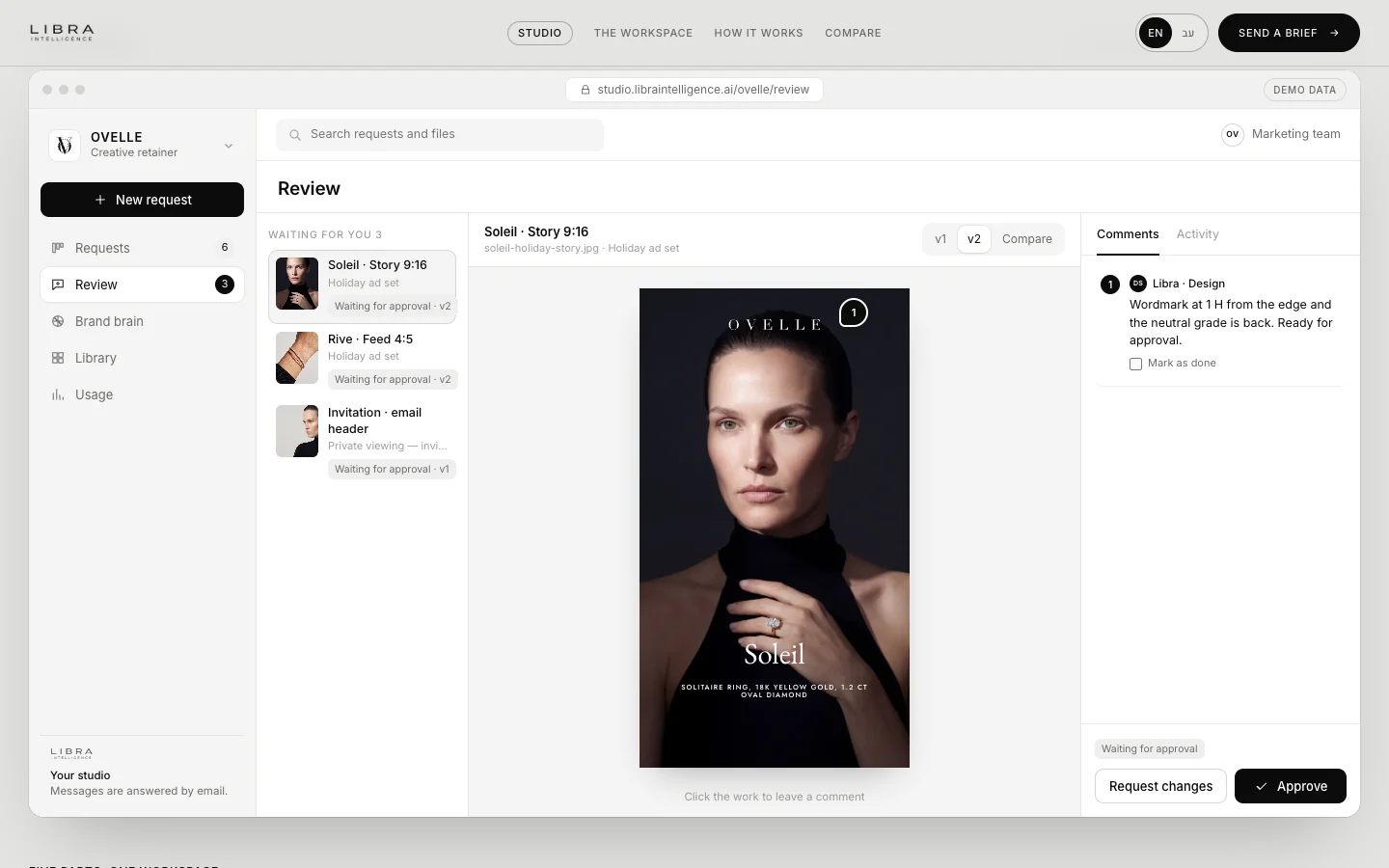
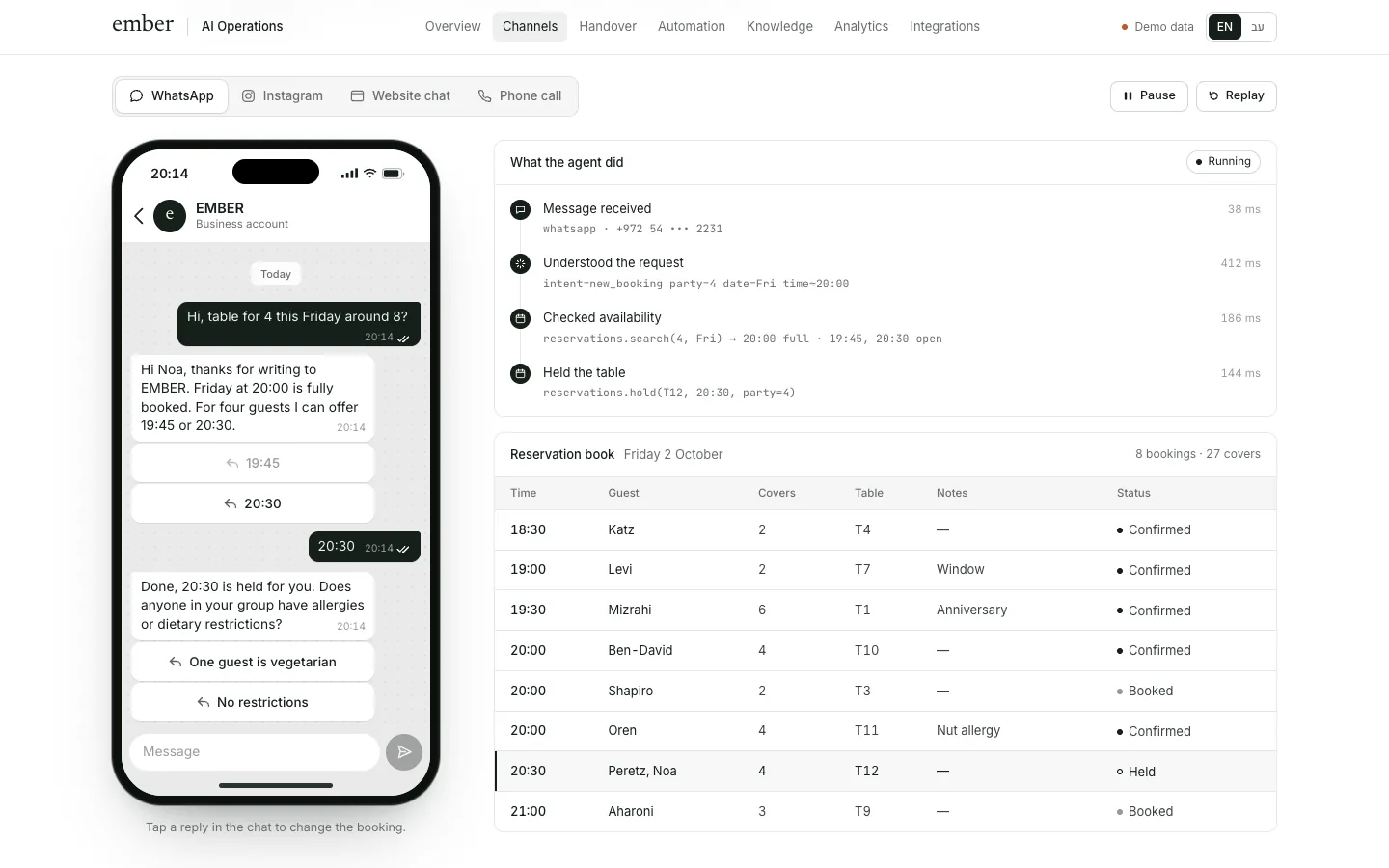
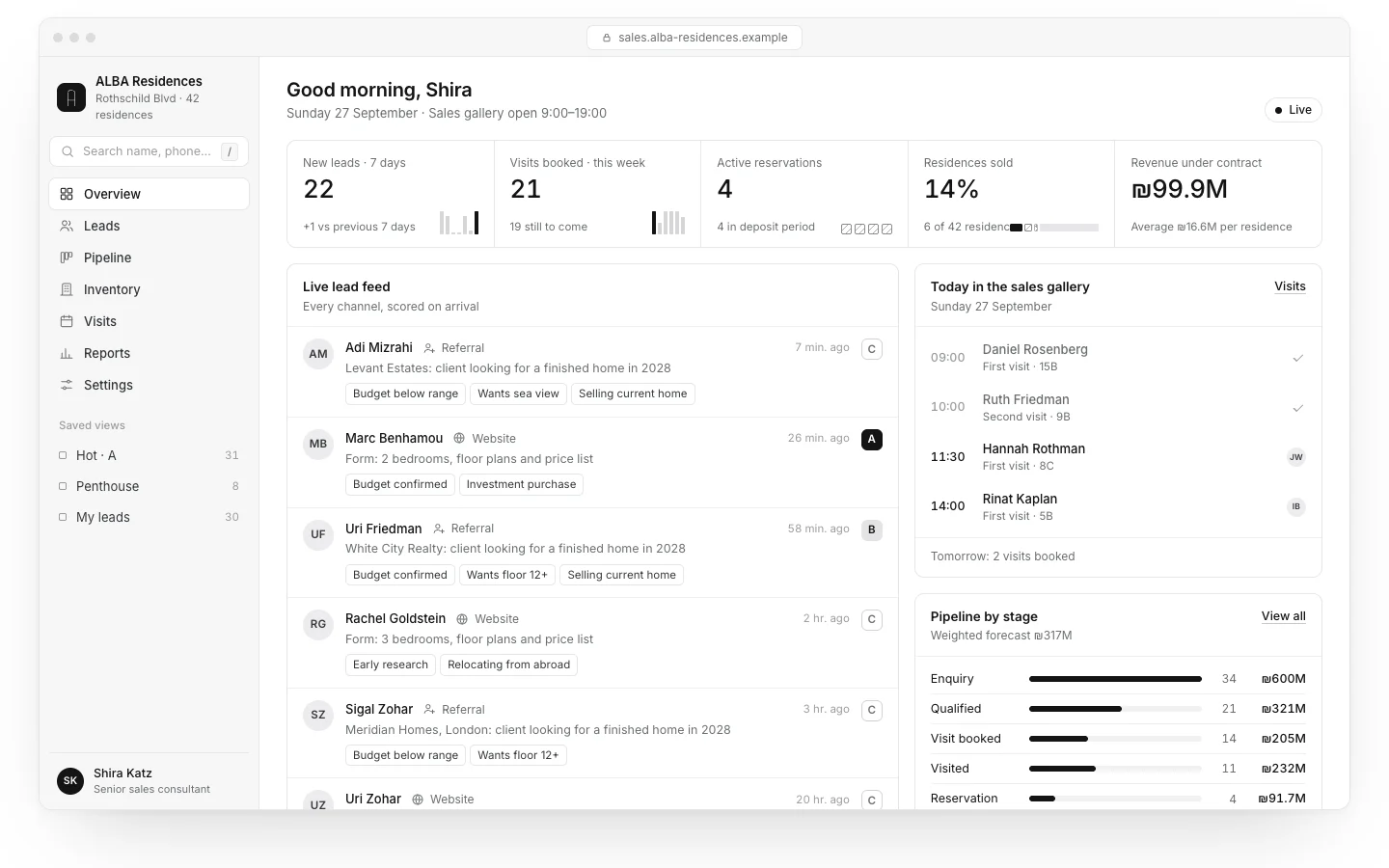
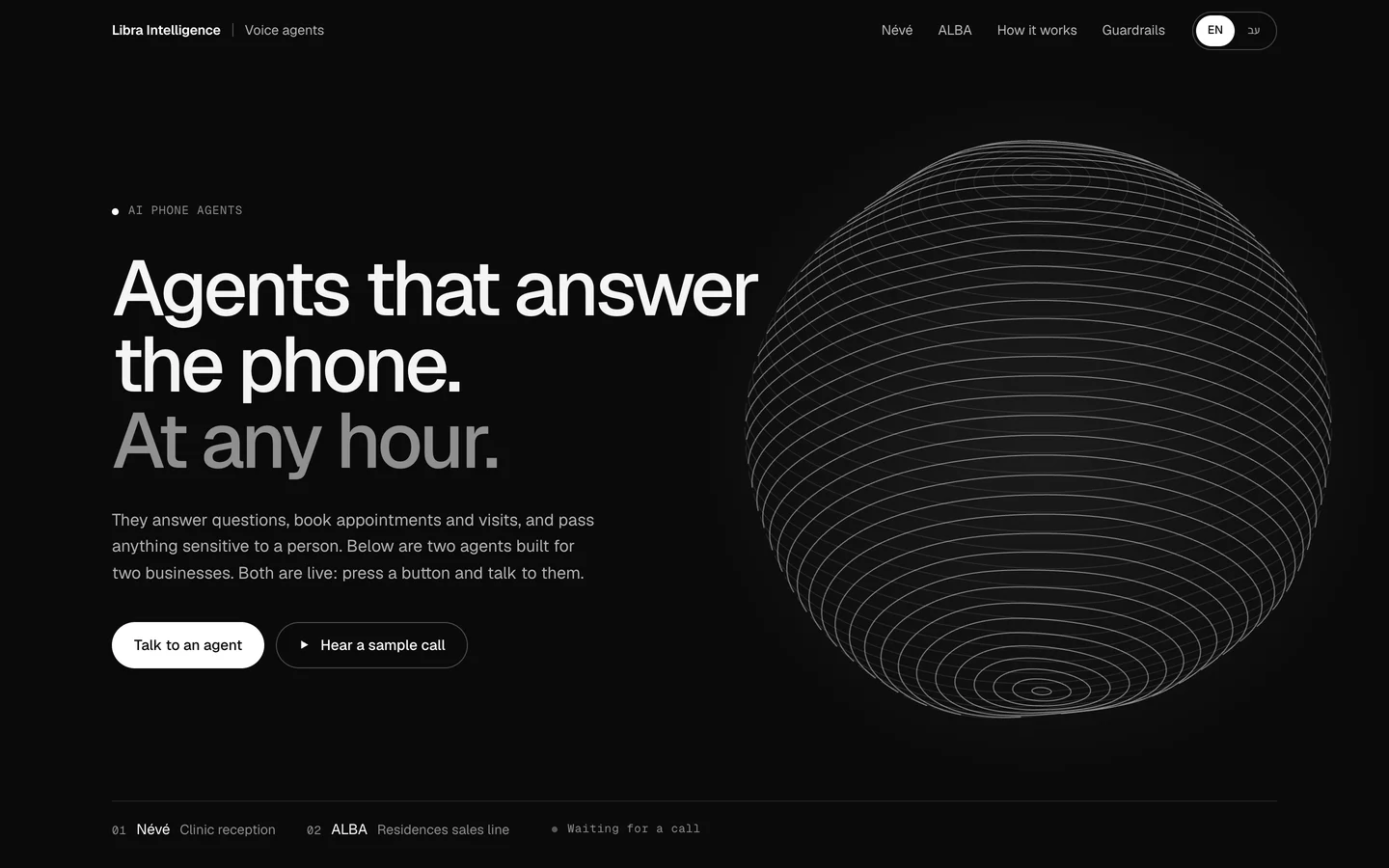
The EMBER agent, for a fictional restaurant, answers guests on WhatsApp, Instagram and the website, checks availability, holds a table in the reservation book and shows every action it took, as in the picture at the top of this page. The ALBA CRM, for a fictional residential project, shows leads from the website, the phone and WhatsApp landing in one place with status and source. And the Névé and ALBA phone agents show a voice agent that books appointments and passes anything sensitive to a person. These are concepts we built with fictional businesses.

Small business automation at Libra
We build automation for small businesses at a scale that suits them: mapping the processes, connecting forms, WhatsApp, the CRM, the calendar and invoicing software, the fixed messages in Hebrew and English, and measurement before and after, with a chatbot or AI agent where it is needed. The work is described on automation and AI agents. Send a brief with the tasks that repeat every week and the systems you use. We reply by email with a direction, a written price and a date.
No term matches.
Questions
What should a small business automate first?
Lead capture into a CRM, because everything else depends on it. Then instant replies to enquiries, appointment reminders, invoices and receipts, review requests and quote follow-ups. Start with one process and measure before adding the next.
What tools does a small business need for automation?
Usually a CRM, a calendar or booking system, invoicing software, a connector such as Zapier, Make or n8n, and a messaging channel by email or WhatsApp. Before buying anything, check what your existing tools already do on their own.
Does a small business need AI in its automation?
Not at first. Moving leads, reminders and invoices work better on fixed rules. AI fits later for answering free-text questions from approved sources, summarising enquiries and sorting leads, not for decisions on prices or refunds.
How long does it take to set up automation for a small business?
One process can be built and tested in a week or two. The six common processes fit a reasonable pace of about six weeks, one after another, with measurement at the end.
How much does small business automation cost?
The cost is made of tool subscriptions, per-message charges for WhatsApp or text, AI usage if any, one-off setup and upkeep. To check whether it pays, compare it with the time the process takes today and what is lost without it.
Is small business automation different from business automation in general?
The principles are the same, but the scale is not: a few people, a few tools, no IT staff. So the focus is on the six daily processes, the tools already in place and a short plan, rather than large integrations. The wider subject is in our business automation guide.
Getting started
Want this for your business?
Send a short brief: three required questions, the rest only if you like. We reply by email with a direction, a written price and a date.