n8n vs Make vs Zapier: how to choose an automation platform
n8n vs Make vs Zapier compared: how each one charges (tasks, credits, executions), self-hosting and n8n’s licence, data location, AI agents, errors and a checklist.
Part of the guide: Business automation with AI: a practical guide for small and mid-sized businesses
Zapier fits a small team that wants the most ready-made connectors and the least setup. Make fits people who want to see a multi-step flow on a visual canvas and pay less per step. n8n fits a business with technical support that wants to self-host, keep data on its own servers, or build AI agents with code where needed. The biggest practical difference is how each one charges: Zapier counts tasks (every successful action), Make counts credits (most actions use one), and n8n counts executions (one full run of a workflow, however many steps it has).
Prices and plans here were checked on the vendors’ official pages at the time of writing, September 2026; they change often. If you are still deciding what is worth automating at all, start with our guide to business automation with AI.
n8n vs Make vs Zapier at a glance
| Zapier | Make | n8n | |
|---|---|---|---|
| Billing unit | Task: every successfully completed action. Triggers, filters and failed actions are not counted. | Credit: most actions use one credit; AI modules can use more. | Execution: one run of the whole workflow, regardless of the number of steps. |
| Free option | 100 tasks a month. | 1,000 credits a month, with at least 15 minutes between scheduled runs. | Self-hosted Community edition, free. The cloud has a trial. |
| First paid plan (at the time of writing) | From $19.99 a month billed annually, for 750 tasks. | $9 a month for 10,000 credits. | €20 a month billed annually, for 2,500 cloud executions. |
| Hosting | Cloud only. | Cloud only. | n8n’s cloud or your own server. |
| Where data lives | AWS servers in the United States. | AWS in the EU or North America. | n8n’s cloud, or the server you choose. |
| Ready-made connectors | By the vendor’s count, 9,000+ apps. | By the vendor’s count, 3,000+ apps. | Built-in integrations, plus any API through an HTTP request or code. |
| AI agents | Basic access to Agents, Chatbots and MCP on all plans. | AI agents on all plans, with Make’s AI provider or your own key. | Building agents is a core use; self-hosted, you bring your own key. |
| Who can maintain it | A non-technical team. | A team comfortable with processes and data. | Someone who understands APIs, JSON and servers. |
Sources for the table: Zapier pricing, Make pricing and n8n pricing. Connector counts are the vendors’ own figures.

How each one charges: tasks, credits and executions
Zapier: tasks
According to Zapier’s explanation of task usage, a task is any action that runs successfully. The trigger never counts, and neither do filters, paths or failed steps. There are exceptions: AI by Zapier steps are counted by model tier, and each successful tool call through Zapier MCP counts as two tasks. When you reach your limit, Zapier bills extra tasks if pay-per-task is on; if not, it holds new runs until the billing cycle resets.
Make: credits
Make now bills in credits: per its pricing page, most actions use one credit, and AI modules can use more. Check how the trigger in your scenario is counted too, especially one that polls another system every few minutes.
n8n: executions
In n8n an execution is one full run of a workflow, no matter how many steps it has or how much data it processes. Self-hosted on the Community edition there is no per-execution charge at all; the cost is the server and the time of whoever maintains it.
A worked example
Take a workflow that receives a lead from a form, looks it up in the CRM, updates the record, sends an email, adds a spreadsheet row and alerts the team: one trigger and five actions, 1,000 times a month. In Zapier that is about 5,000 tasks. In Make it is about 5,000 credits or more, depending on the trigger and any AI modules. In n8n it is 1,000 executions. This shows the counting method, not a quote.
Cloud or self-hosted: what n8n’s licence allows
Zapier and Make run only as cloud services. n8n can run in n8n’s cloud or on your own server. Its source code is available to anyone, but it is not open source in the usual sense: it is distributed under the Sustainable Use License, which n8n describes as fair-code. According to the licence file in n8n’s repository, you may use or modify the software only for your own internal business purposes or for non-commercial or personal use, and you may distribute it only free of charge for non-commercial purposes. Files marked .ee belong to the enterprise edition and need a separate licence.
A business running n8n on its own server for its own processes is the use the licence allows; selling n8n as a service needs a closer look at the terms. And self-hosting is not free in practice: someone has to install, update, back up, monitor and secure it.
Where your customers’ data lives
Every automation passes data through the tool: names, phone numbers, emails, sometimes order details or health information. According to Zapier’s data privacy page, Zapier hosts data on AWS servers in the United States. Make’s pricing page lists hosting on AWS in the EU or North America. With self-hosted n8n the data stays on the server you choose, which is the main reason businesses with sensitive data pick it.
- Pass only the fields a workflow needs, not a whole customer record.
- Keep API keys and connections in an account owned by the business, not an employee’s or a supplier’s personal account.
- If you handle health, financial or children’s data, get privacy advice for your jurisdiction before choosing a cloud tool.
AI and agent features
All three now let you build an AI agent: a step where a language model reads a message, decides what to do and uses tools such as a CRM lookup or a booking. Zapier gives basic access to Agents, Chatbots and MCP on all plans. Make offers AI agents on all plans, with its own AI provider or your own key. In n8n, building agents is one of the main use cases, and self-hosted you connect your model provider’s key directly.
The tool matters less than the design of the agent: what it answers from, what it may do on its own, and when it hands over to a person. We cover the difference between a scripted bot and an agent that takes actions in chatbot vs AI agent. If the agent should answer on WhatsApp, every one of these tools needs access to the official API through an approved provider; see how the WhatsApp Business API works.
Learning curve and who can maintain it
Zapier is a top-to-bottom list of steps that a non-technical person can build. Make shows the flow as a map of modules with branches, iterators and field mapping; it asks for more thinking about data structure and in return handles more complex flows without code. n8n is the most technical of the three: you work with JSON, expressions, HTTP requests and sometimes JavaScript or Python.
The real question is who maintains it a year from now. A workflow a freelancer built on a server only they know is a risk, even if it works today.

Error handling and logs
Workflows break: an API changes, a token expires, a field arrives in an odd format. What matters is finding out quickly and re-running without losing data.
- Zapier: run history with a status for each run, replay of failed runs, and custom error handling paths on a step for Professional plans and above, not on Free.
- Make: error handlers attached to a module: skip the error, substitute a value and continue, stop and commit or roll back changes, or store the run as an incomplete execution for manual or automatic retry.
- n8n: a list of executions per workflow and across the instance, loading data from a past execution to debug, and an error workflow that starts with an Error Trigger and runs when an execution fails, for example to send an alert.
In any of them, set up a failure alert from day one.
Lock-in: what happens if you want to switch
Workflows do not move between the three tools; switching means rebuilding, reconnecting and testing every workflow. Self-hosted n8n frees you from a vendor’s price changes but ties you to whoever knows the server. In every tool, reduce lock-in the same way: a written list of each workflow, its trigger, the systems it touches and its owner, with the data kept in your CRM and your own systems.
Zapier, Make or n8n: who each one fits
Zapier
A small business without a technical person, connecting familiar tools with simple workflows. Fastest to start; per-task billing adds up with long, frequent workflows.
Make
Workflows with branches, loops and data transformation, and someone comfortable thinking in fields and structures. Often cheaper than Zapier at the same volume, with EU hosting.
n8n
A business with a developer or regular technical supplier that needs control over its data, runs long workflows at volume, or builds AI agents with its own logic. The most flexibility, and the most responsibility.

When to write code instead
An automation platform is good at connecting existing systems. It is a weaker fit when the process is the core of your product, when volume is very high, when the logic is complex and changes often, or when the data should not pass through a third party. Then a small service in code, with a job queue, logs and tests, is often cheaper and steadier.
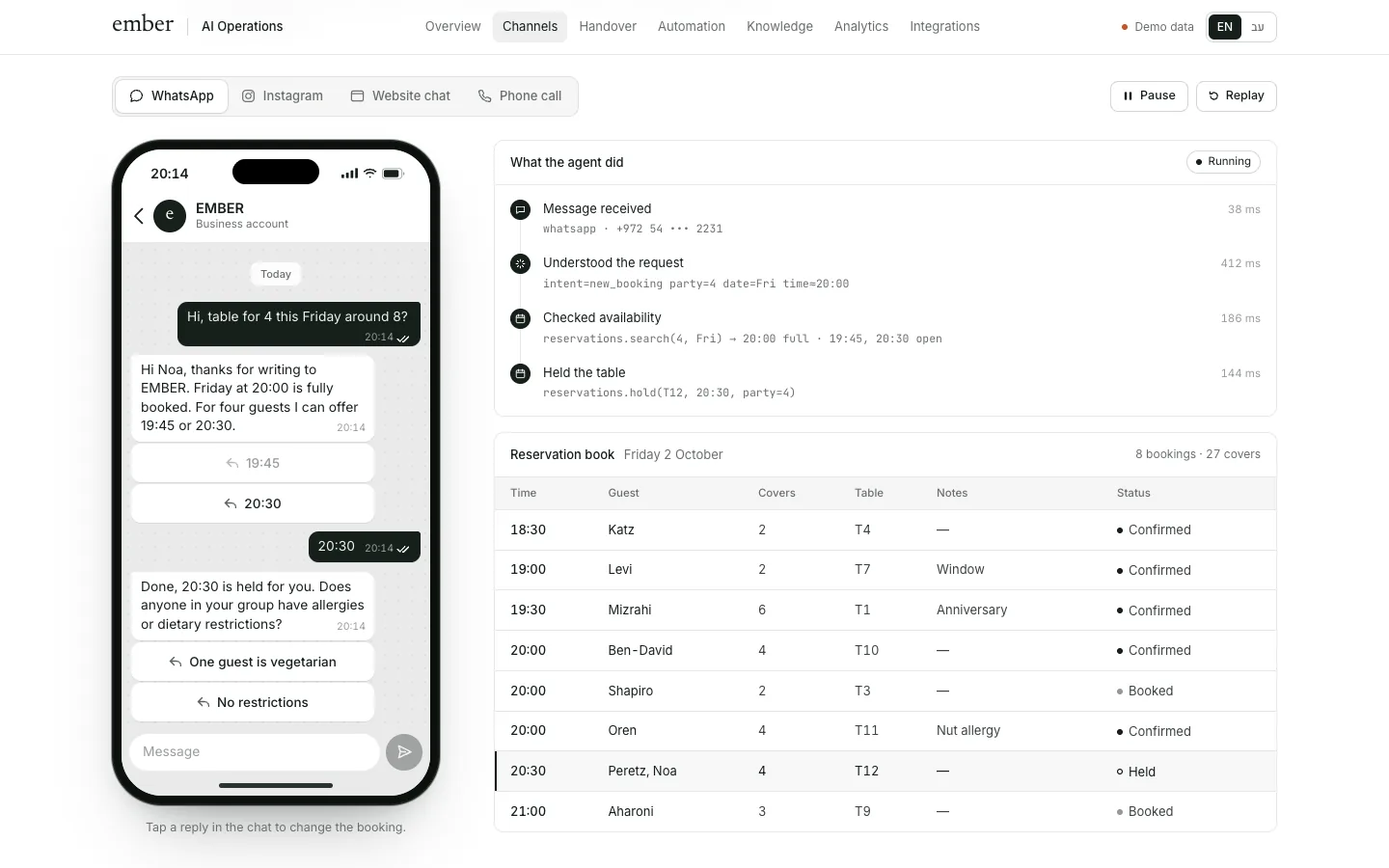
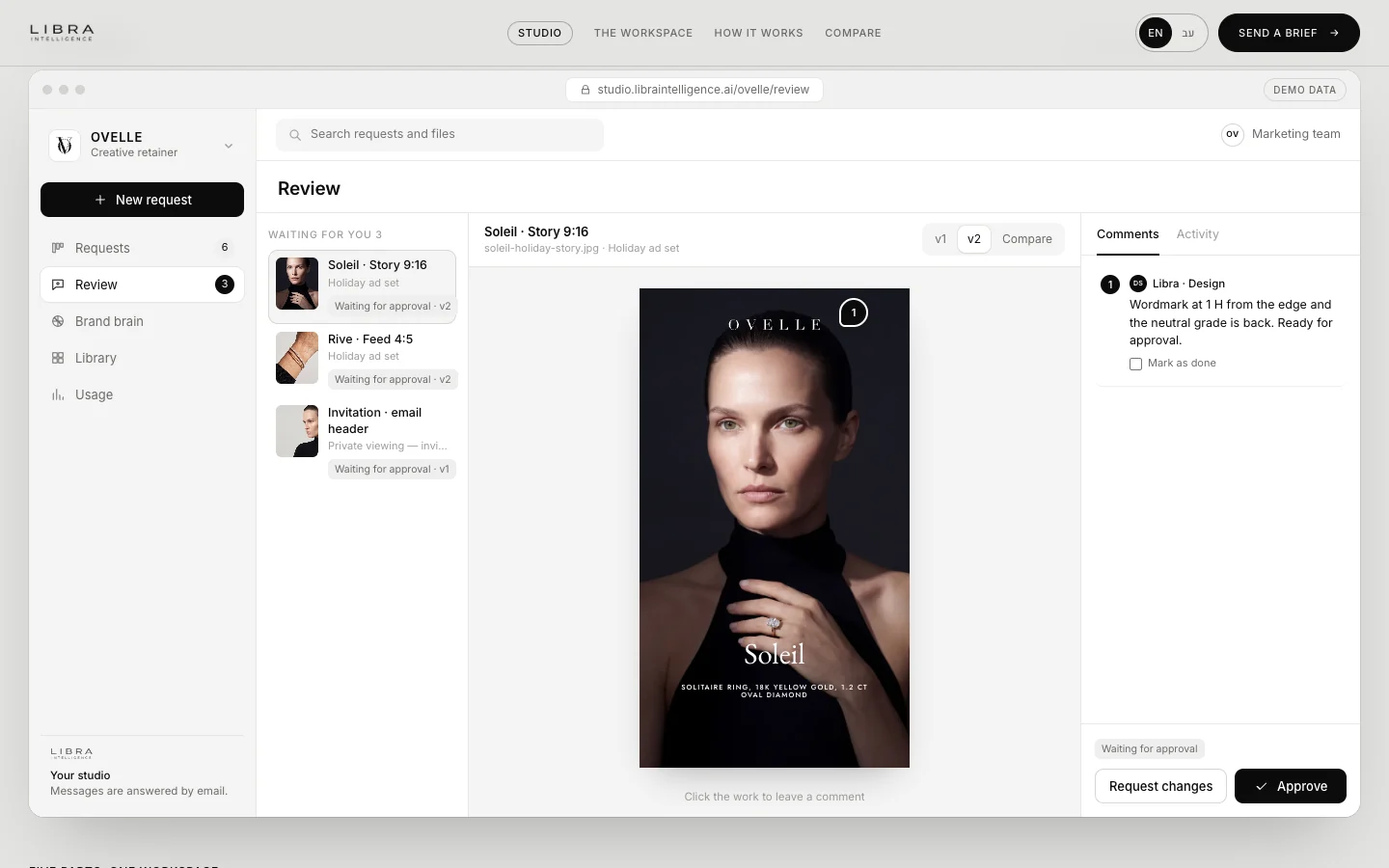
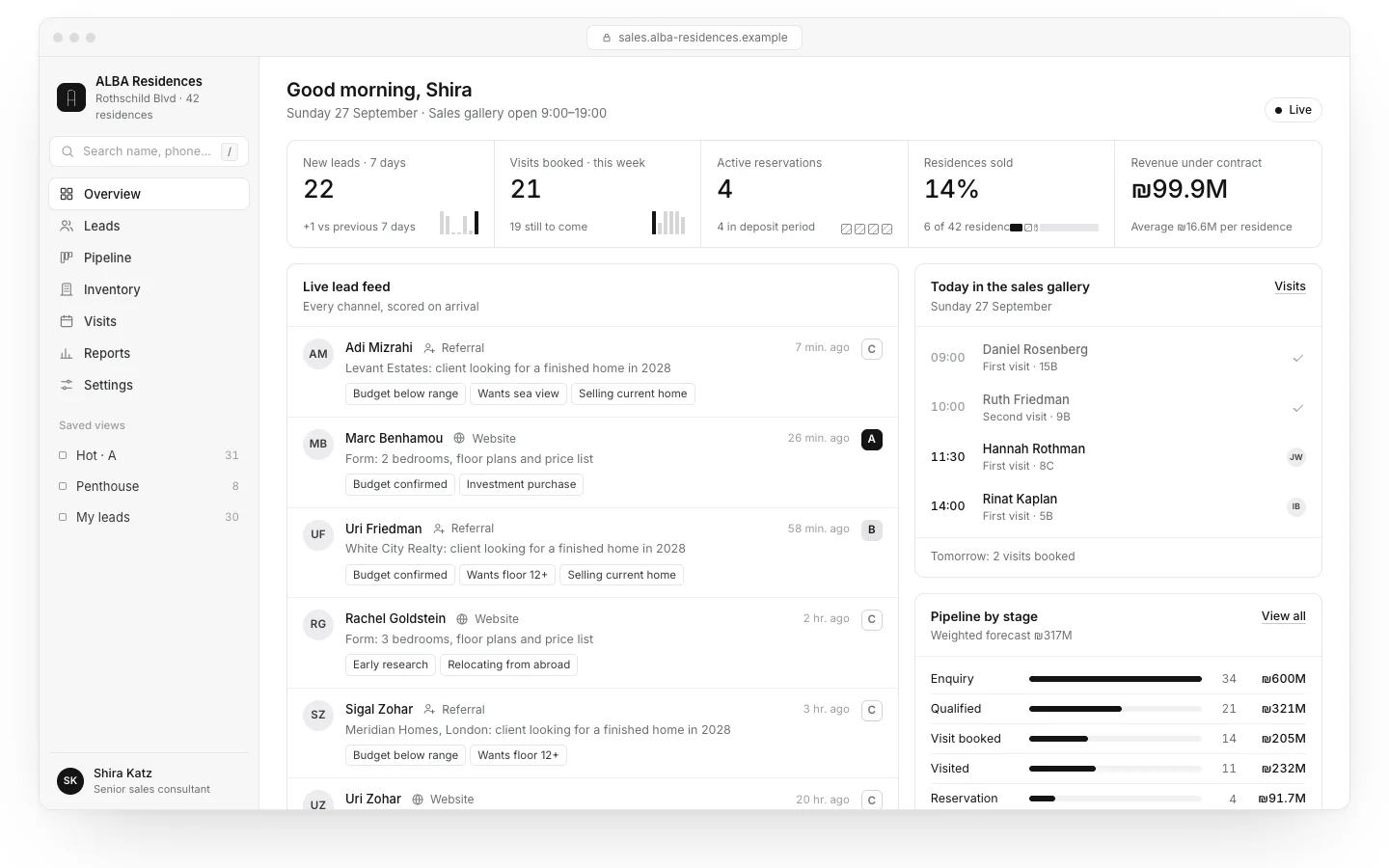
To make that concrete: the Libra Studio client workspace is a concept we built in which requests, approvals and a brand brain that checks every file live inside the system itself, not in an outside tool. The ALBA CRM, for a fictional residential project, brings leads from the website, the phone agent and WhatsApp into one place. The EMBER agent, for a fictional restaurant, answers guests and books tables. In each, some steps could run through n8n or Make and some are better written in code. If you are still choosing a CRM, our CRM guide for small businesses helps you decide before wiring automations to it. And for an online store, most automated emails belong in the email platform rather than the automation tool; see automated email for online stores.
Checklist for choosing an automation tool
- Write down your first three workflows: what triggers them, their steps and which systems they touch.
- Check that each system has a ready connector in the tool, or at least a documented API. Local invoicing, payment and CRM systems are not always listed.
- Estimate monthly volume: how often each workflow runs and how many steps it has, translated into tasks, credits or executions.
- Decide where the data may live: the US, the EU or your own server.
- Decide who maintains it: someone in the business, a regular supplier, or no one. If no one, pick the simplest tool.
- Check whether you need an AI agent and where it will answer: website, WhatsApp or phone.
- Set up a failure alert before the workflow goes live.
- Keep every account, key and connection in the business’s name.
- Write a short note for every workflow, so you can change tool or supplier later.
At Libra we build automations and AI agents for businesses, in n8n, in Make or in code, depending on what the process and your team need; the details are on our automation and AI agents page. To find out which tool fits your workflows, send a brief with the processes and the systems you use. We reply by email with a direction, a written price and a delivery date.
No term matches.
Questions
Is n8n free?
The self-hosted Community edition of n8n is free; you pay for the server and the maintenance. n8n’s cloud has paid plans based on executions, and enterprise features need a paid licence even when self-hosted.
Is n8n open source?
n8n’s source code is available to anyone, but it is released under the Sustainable Use License, which n8n calls fair-code rather than open source. You may use it for your own internal business purposes, with limits on commercial use such as selling it as a service.
Which is cheapest: n8n, Make or Zapier?
It depends on the workflow. For long workflows that run often, n8n is usually cheaper because it counts a whole run rather than each step; for a few short workflows the difference is small and Zapier saves setup time.
Can Zapier or Make be self-hosted?
No. Zapier and Make run only as cloud services. Of the three, only n8n can run on your own server.
Where does each tool store data?
Zapier hosts data on AWS in the United States, Make lists AWS hosting in the EU or North America, and self-hosted n8n keeps data on the server you choose.
Can you build AI agents in these tools?
Yes, in all three. They differ in flexibility and in how AI steps are billed, and the agent’s design, what it may do and when it hands over to a person, matters more than the tool.
Getting started
Want this for your business?
Send a short brief: three required questions, the rest only if you like. We reply by email with a direction, a written price and a date.