Native app vs web app: when a business really needs an app, and when a website or PWA is enough
Responsive website, installable web app (PWA), cross-platform or fully native: a comparison table, store fees, web push on iPhone, and when an app is worth it.
Part of the guide: How to develop an app for your business: from whether you need one to maintenance after launch
For most businesses a good website, or a web app people can install to their home screen (a PWA), is enough and costs less. A native app from the Apple and Google stores earns its cost when customers come back to it again and again, when you need device features the browser does not give you, or when being in the store is part of the product. The choice does not have to be final: you can start with a PWA and move to native once usage justifies it.
In practice there are four options, not two: a responsive website, a PWA, a cross-platform app (React Native or Flutter) and a fully native app (Swift for iOS, Kotlin for Android). Below: what each gives you, a comparison table, what changed on the iPhone, what the stores charge, and how to decide.
The four options
Responsive website
A site that opens in any browser and adapts to the screen. Nothing to install, Google indexes it, and every change reaches everyone at once. It suits businesses whose customers visit once or twice: to read, to enquire, to buy. The full build process is in our guide to building a business website.
PWA: the installable web app
As MDN defines it, a PWA is built with web technologies, runs on every platform from a single codebase, and can be installed so that it behaves like a platform app and keeps working with patchy connectivity. It is a site the customer keeps on the home screen, with an icon, full screen, local storage and notifications, and no store or approval in between.
Cross-platform app
A real app downloaded from the App Store and Google Play, but written once in React Native or Flutter and run on both systems. You get broad device access and store presence; the saving against native is mostly one team and one codebase. You still pass review in both stores and maintain two distributed builds.
Fully native app
Two separate apps, one per platform, in Apple’s and Google’s own languages and tools. This gives the deepest hardware access and the best performance, at the price of two codebases, two skill sets and double the maintenance.

Comparison table: website, PWA, cross-platform or native
| Responsive website | PWA | Cross-platform | Native | |
|---|---|---|---|---|
| Reach and install friction | One link, no install; found on Google | A link, then an optional install to the home screen | Store download, store search | Store download, store search |
| Store presence | None | Usually none | App Store and Google Play | App Store and Google Play |
| Offline | No | Partial, based on what is cached | Yes, as designed | Yes, most flexible |
| Push notifications | No | Yes; on iPhone only once added to the home screen | Yes | Yes |
| Device features | Basic: camera, location, browser payments | Basic, and support varies by browser | Broad, with plugins for some features | Full |
| Performance | Good for content and forms | Good for most business apps | Close to native in most cases | Highest; matters for heavy graphics and hardware |
| Update process | Instant, for everyone | Instant, for everyone | Through store review; users update | Through store review; users update |
| Cost drivers | Pages, content and integrations | As a site, plus offline and notification work | Screens, integrations, testing on two systems, store submission | Everything twice: two codebases, two review tracks |
| Maintenance | One | One | One codebase, two store builds, OS update fixes | Two codebases, fixes for every iOS and Android release |
The rows that decide most cases are reach and updates. Every install step loses some people on the way, and every fix that goes through a store takes time. Unless there is a strong reason to pay both of those costs, a web app is the better starting point.
What changed on the iPhone: web push for home-screen apps
For years the strongest argument against PWAs was no notifications on iPhone. That has changed: according to the WebKit blog, from iOS and iPadOS 16.4 a web app added to the home screen can ask for permission to send push notifications, as long as the request follows a direct user action such as tapping a subscribe button. The same release added badge counts on the icon.
In practice, on iPhone notifications reach only people who installed the app to the home screen, so the install moment has to be designed: explain why it is worth doing, and ask for permission only when there is a reason. Android and desktop are simpler. Some hardware capabilities still belong only to store apps, and browser support for them varies, so check every capability that matters to you before you decide.
What the stores require and charge
- Developer accounts: the Apple Developer Program is 99 USD per membership year, and Google Play registration is a one-time 25 USD fee.
- Review before release: every version is reviewed. Apple’s guidelines say an app should go beyond a repackaged website (guideline 4.2), so wrapping an existing site in an app shell may be rejected.
- Fees: the stores take a service fee on digital sales inside the app. On Google Play, in most markets it is 15% on the first 1 million USD of annual earnings, with a different structure in the EEA, UK and US from mid-2026; Apple offers smaller developers a reduced 15% commission through its Small Business Program.
- Physical goods and services: under the same Apple guidelines (3.1.3(e)), payment for a service or product consumed outside the app, such as an appointment, a flight or a delivery, is taken with ordinary payment methods, not in-app purchase. For most service businesses the digital-sales fee does not apply.
Does my business need an app? When it does
- Repeat use: customers open it weekly or daily, to book, track or collect. An app opened once a year does not justify an install.
- Notifications are part of the service: an appointment reminder, an order update, a flight change. If notifications are the reason, check first whether a PWA covers it.
- Advanced device features: long-running background work, hardware connections, complex scanning, heavy graphics, full offline operation.
- Loyalty: when the value is the brand sitting on the customer’s screen and reminding them it exists.
- The store is a channel: customers search the store, or competitors are there and customers expect it.
When a website is enough
- Customers come once or twice: to read, compare, enquire or buy.
- Most arrive from Google, ads or a shared link, and need an answer immediately without downloading anything.
- Content and prices change often, and you want to update without waiting for store review.
- The budget is limited and is better spent on the content, design and speed of one good site.
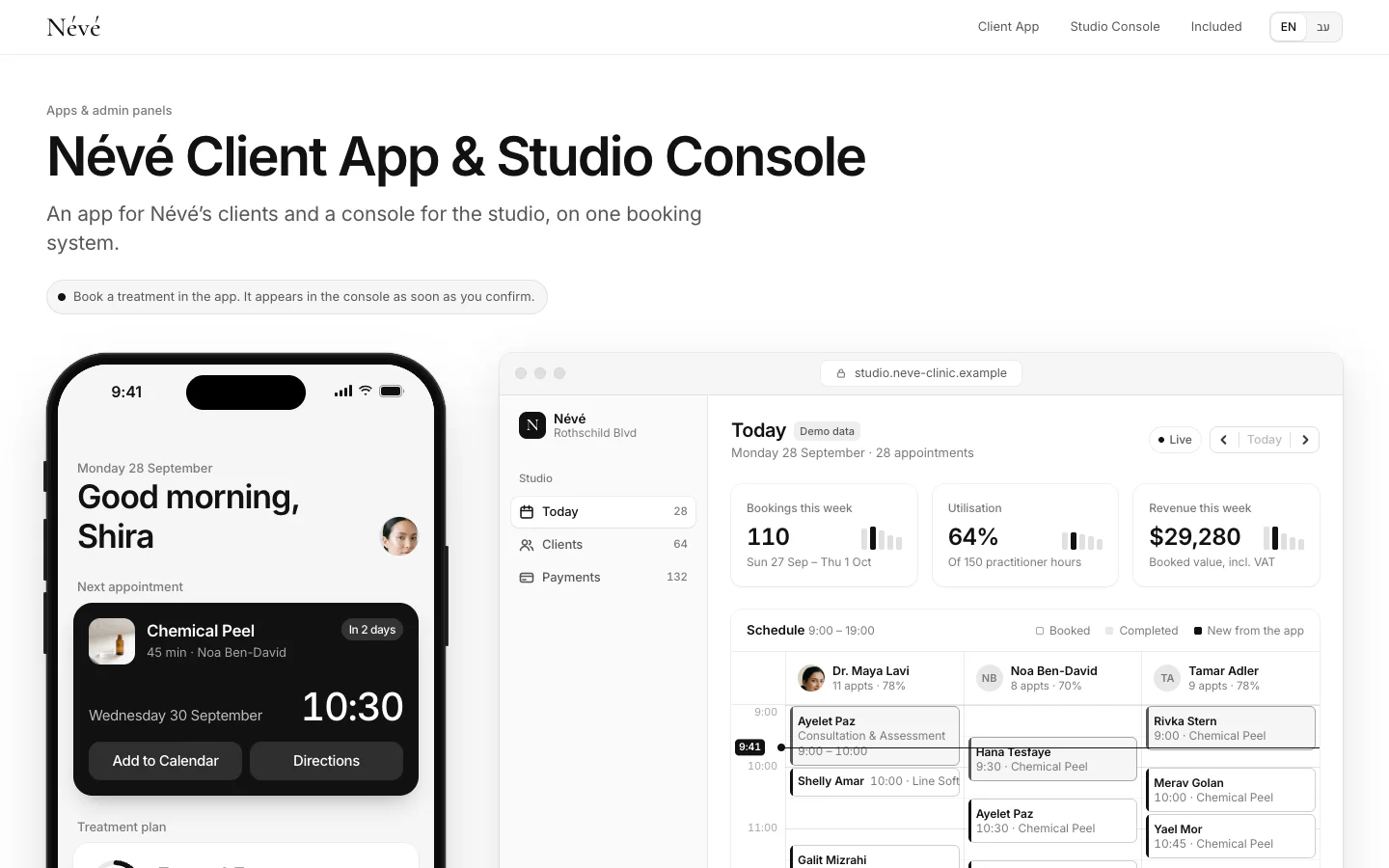
In between sits the most common case: a business with returning customers, such as a clinic, a studio or a restaurant. There a web app with booking, history and reminders delivers most of an app’s value without the store. That is how the Névé example is built, a fictional clinic for which we made a client app and a team console, and our guide to a booking app for clinics walks through the process. The thinking behind it is in the same clinic’s product design case.

PWA or native: how to decide
- Write down what the customer does in the product, and how many times a month.
- Mark every device capability you truly need, and check browser support on iPhone and Android.
- Check whether there are digital sales inside the app, or only payment for a service.
- Decide whether store presence is something customers need or just a feeling that you should have it.
- If most answers point to the web, start with a PWA. If one of them requires a store, compare cross-platform and native on the performance and hardware you need.
We cover the cost of each route in what app development costs. In short: price follows the number of screens, types of users and system integrations, and every route through the stores adds testing, submission and upkeep on two platforms.
The migration path: from PWA to native
The safe route in most cases is to build a focused first version, an MVP, as a web app and measure what happens: how many return, which screens are used, which notifications get opened. If it turns out you need something only a store app provides, you move to native or cross-platform, and the expensive part is not rebuilt: the server, the database, the admin system and the integrations stay, and only a new layer of screens is added.
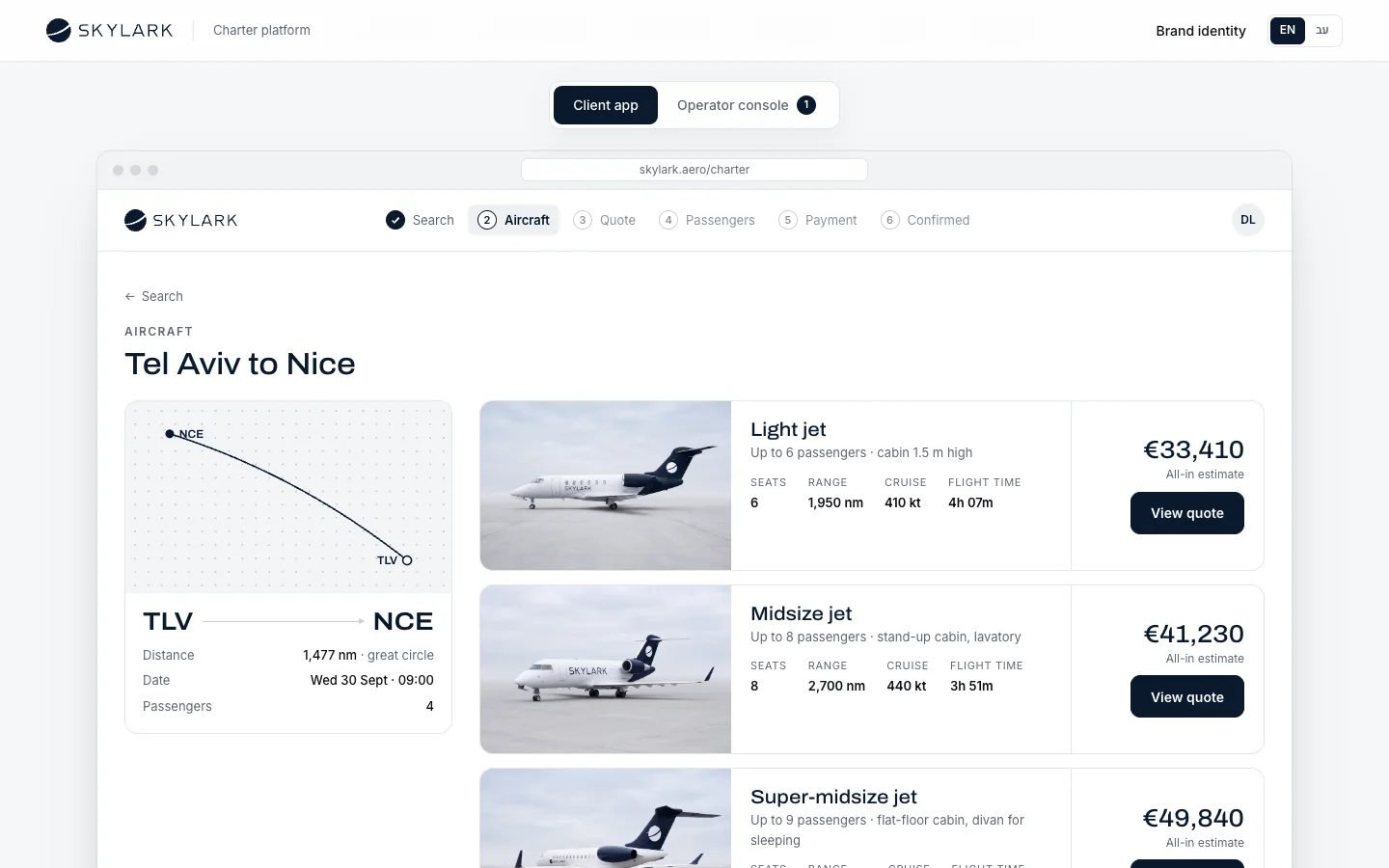
For that move to be cheap it has to be planned from the start: a separate API between the server and the screens, a design system with defined components, and permissions that do not depend on the browser. SKYLARK, a fictional private-aviation booking platform we built as a concept, is structured this way: clients book in their own screens, the operator runs aircraft, crews and quotes in one system, and both layers talk to the same server. The full process is in our guide to developing an app for your business.
What Libra builds here
At Libra Intelligence we build apps and business systems: web apps and PWAs, Telegram mini-apps, booking and admin panels, and the connections to the systems you already use, designed in your brand. When a store app is genuinely needed, we say so in writing and build the server so the move is simple. The market we work in is Israel, and we work with companies selling abroad. Send a brief describing what your customers need to do, and we reply by email with a direction, a written price and a date.
No term matches.
Questions
What is the difference between a native app and a web app?
A web app runs in the browser, needs no install and updates for everyone at once. A native app is installed from the App Store or Google Play, has deeper access to the device, and every update passes store review.
What is a PWA?
A web app that can be installed to the home screen. It is built like a website, runs on every device from one codebase, and can work partly offline and send notifications.
Can a PWA send push notifications on iPhone?
Yes, from iOS and iPadOS 16.4, provided the user has added it to the home screen and allowed notifications after tapping something themselves.
Does my business need an app?
Probably, if customers return often, notifications are part of the service, or you need advanced device features. If people visit once or twice, a good website or PWA is enough.
Can I put my existing website in the App Store?
Apple’s guidelines require an app to go beyond a repackaged website, so a wrapped site without added value may be rejected at review.
React Native, Flutter or native?
For most business apps a cross-platform framework is enough and saves a second codebase. Fully native fits when you need top performance or deep hardware access.
Can I start with a PWA and build an app later?
Yes, if the server and API were designed separately from the screens. The move then adds a new layer of screens, while the server, data and admin system stay.
Getting started
Want this for your business?
Send a short brief: three required questions, the rest only if you like. We reply by email with a direction, a written price and a date.