Website maintenance and hosting: what is included, how often, and what it costs a year
What website maintenance covers, the main hosting types, a monthly to yearly checklist, retainer vs hourly, yearly costs, and what to do when a site is hacked.
Part of the guide: How to build a business website, step by step
Website maintenance is the ongoing work that keeps a site available, secure and current after launch: core, theme and plugin updates, tested backups, uptime monitoring, security, speed and form checks, domain and SSL renewals, and new content that still meets accessibility requirements. Hosting is where the site runs, and the type you choose decides how much of that work lands on you. A WordPress site needs more attention than a site on a hosted platform, and a store needs more than a brochure site.
This article covers what maintenance includes, the main hosting types and what to ask a provider, a monthly, quarterly and yearly schedule, how maintenance is priced, and what to do on the day you find the site has been hacked. Where this stage sits in the whole process is described in our guide to building a business website.
What website maintenance includes
- Core, theme and plugin updates: mostly on content management systems such as WordPress, where every plugin is third-party code updated on its own schedule.
- Backups: automatic backups of files and database, stored away from the site’s own server, with a test restore every few months to prove they work.
- Security: strong passwords and two-factor authentication for every admin, removal of unused users and plugins, and minimal permissions.
- Uptime monitoring: a service that checks every few minutes that the site responds, and alerts someone when it does not.
- Speed: periodic checks of load times, especially on phones, and after every significant change.
- Forms and integrations: confirming that every form still reaches its destination, whether a CRM, an inbox or WhatsApp. This is the most common silent failure.
- Domain and SSL: renewals on time, with auto-renew switched on and a valid payment method.
- Content and accessibility: new pages, products and images that meet the same standard as the launch, including alt text and captions.
The last item is the one businesses forget. A site that passed an accessibility review at launch can drift out of compliance within months of careless publishing. What the rules require and what to test is covered in website accessibility in Israel and IS 5568, which also explains how WCAG applies elsewhere.

Types of website hosting
Hosting is the server your site loads from. There are a few families, and each hands you a different share of the responsibility:
| Hosting type | Good for | Who handles what |
|---|---|---|
| Shared hosting | A small site with low traffic | Cheap, but server resources are shared with other sites. Updates, backups and security of the site are usually yours. |
| Managed WordPress hosting | A business WordPress site or a WooCommerce store | The provider runs the server, caching and backups, and often core updates. Plugins and the theme stay your responsibility. |
| Cloud server or VPS | Sites with special requirements or heavy traffic | Full flexibility and full responsibility: someone has to administer the server itself. |
| Static site on a CDN | Brochure sites, landing pages, journals | No database and no plugins to update, so a small attack surface and fast delivery. Content changes go through whoever built the site or a separate CMS. |
| Platform-hosted | Shopify, Webflow and site builders | Hosting and updates are part of the subscription. You are responsible for content, the apps you install and your settings. |
Shopify, for example, states on its pricing page that plans include hosting and an SSL certificate, and that stores are PCI DSS compliant for payments. That does not mean there is nothing to maintain: apps, the theme, products and shipping settings still need someone checking them. How the platforms compare, including what each means for upkeep, is in WordPress vs Webflow vs Shopify.
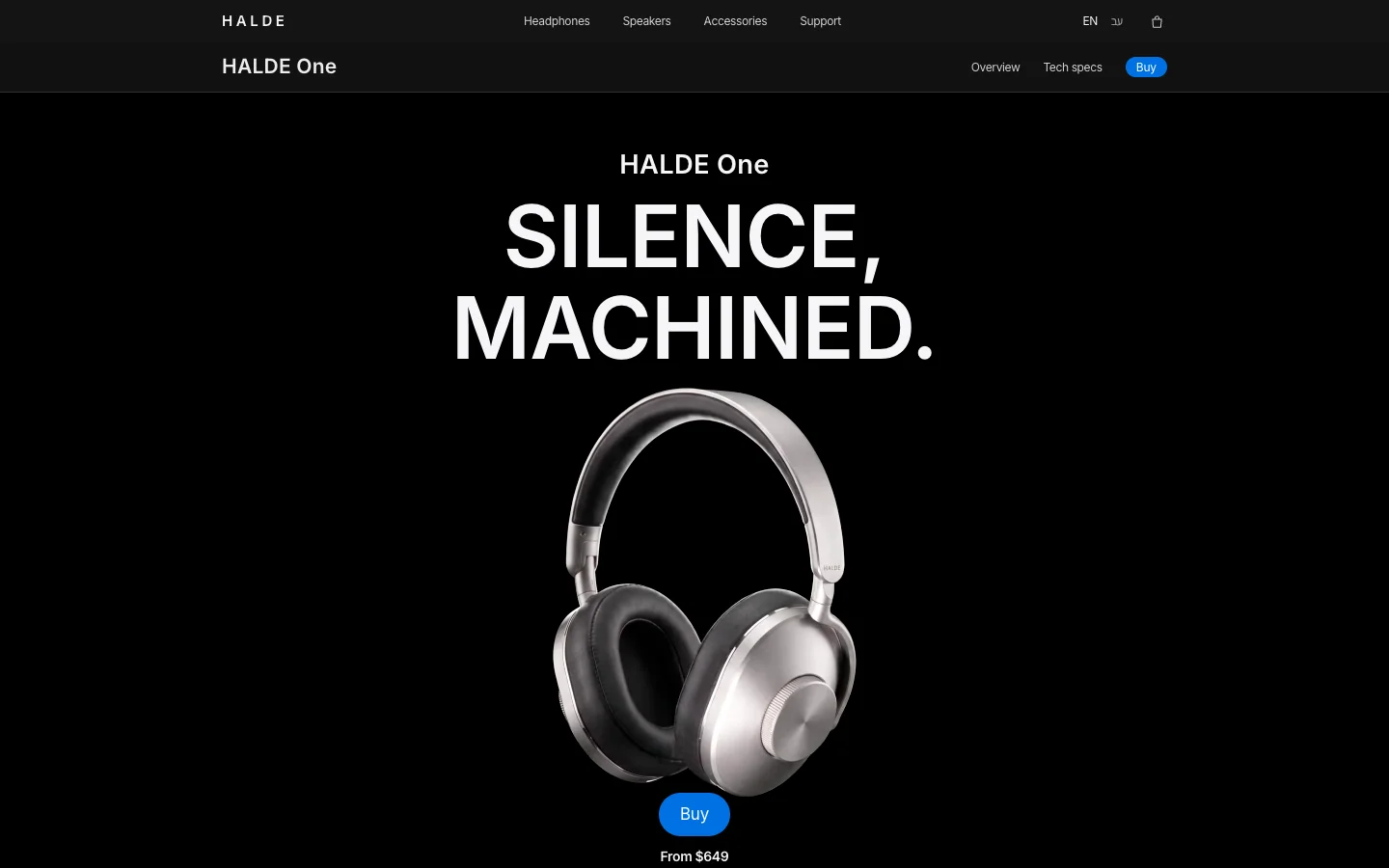
Three concepts we built with fictional businesses show the differences. The HALDE One launch page carries a film and heavy scrolling, so speed is part of its upkeep; the OVELLE store has products, stock and a checkout to check; and the Névé clinic website is a brochure site where the forms are what must keep working.

What to ask a hosting or maintenance provider
- How often backups run, how long they are kept, where they are stored, and who can restore them.
- When they last restored a client’s backup, and how long it took.
- What updates cover: core, theme, plugins, or only some. And whether the site is checked after updating.
- Whether there is a staging environment where updates are tried before they reach the live site.
- How uptime is monitored, and the response time to an outage in and out of business hours.
- What happens if the site is hacked: whether clean-up is included or billed separately.
- Where the server is located, and whether that matters for the personal data your forms collect.
- Whose name the domain, hosting account and logins are in, and how you leave if you want to switch.
The last question matters as much as the rest. The domain and hosting should be registered to your business with admin access in your hands, as we explain in how much a business website costs.
Website maintenance checklist: monthly, quarterly, yearly
| How often | What to do | Why |
|---|---|---|
| Weekly or monthly | Security updates to core and plugins (after a backup), review monitoring alerts, send a test entry through every form | Most compromises exploit outdated plugins; a broken form does not report itself |
| Monthly | Check Search Console: crawl errors, pages dropped from the index, security notices | Technical problems and hacks sometimes show up there before anyone notices |
| Quarterly | Restore a backup to staging, test speed on a phone, remove unused users and plugins, check for broken links | An untested backup is an assumption; an unused plugin is risk with no benefit |
| Quarterly | Spot-check accessibility on content published that quarter | New content is where sites drift out of compliance |
| Yearly | Renew the domain, review licences and subscriptions, run a full accessibility review and update the statement, update the privacy policy | A lapsed renewal is a site that disappears; an old statement no longer describes the site |
| Yearly | Review what works, which pages bring nothing, and what needs rebuilding | Maintenance keeps the site; improvement only comes from a decision |
WordPress updates
According to WordPress’s own documentation, automatic updates for minor core releases have been on by default for years, but plugins and themes do not update automatically by default, and it recommends backing up before any upgrade. In practice that is where most WordPress maintenance goes: the plugins, the check after each update, and the backup before it.
SSL certificates
A site without a valid certificate shows a browser warning. Let’s Encrypt certificates, for example, are free, and according to their FAQ their default certificates are valid for 90 days, so renewal has to be automatic. Most hosts and platforms handle it, but make sure someone gets an alert if a renewal fails.

Maintenance retainer or hourly billing?
A retainer is a fixed monthly fee covering a defined list: updates, backups, monitoring, a bank of hours for small changes, and a response time. It suits a WordPress site, a store, and any site whose content changes every month. Hourly billing suits a static site or one on a hosted platform, where there is little to update and the work is an occasional change.
Either way, the list should be written down: what is included, what is not, how many hours, the response time, and the hourly rate beyond the bank. A retainer without a list is a payment for a feeling of safety. A contract that makes a long retainer a condition of building the site is a reason to look at the proposal again.
How much does website maintenance cost per year?
These are rough USD conversions of ranges we see in the Israeli market, the market we work in, before sales tax. They are not a price list, and agencies in the US or Western Europe often charge more. They include hosting, domain, licences and maintenance, and depend on the platform, the number of plugins or apps, and how often things change:
| Type of site | Rough yearly range (USD) | What it depends on |
|---|---|---|
| Static site or landing page | A few hundred dollars at most | Hosting and domain; changes billed by the hour when needed. |
| Brochure site on a hosted platform | Roughly $400–$1,400 | The platform subscription, the domain, a few hours of changes a year. |
| Brochure site on WordPress | Roughly $800–$2,800 | Managed hosting, paid plugins, monthly updates, backups, monitoring. |
| Online store | Roughly $2,800 to five figures | Platform subscription, apps, payment fees, development hours, new content and products. |
New content, ongoing SEO and conversion work are separate from maintenance and priced separately. What organic SEO involves and what to expect from it is covered in SEO for small business.
What to do when your website is hacked
Common signs: pages in languages you never wrote, redirects to other sites, unknown admin users, a browser warning, or a message from Google. Google’s Security issues report in Search Console shows findings such as hacked content, malware and social engineering, and explains that affected sites can appear with a warning label in search results. Work in this order:
- Do not delete or restore in a panic. First keep a copy of the current state so you can understand what happened.
- Change every password: site admin, hosting, database, FTP, and the email account linked to them.
- Find the way in: an outdated plugin, a user with a weak password, an uploaded file.
- Clean the site or restore a clean backup from before the compromise, and update everything before it goes back online.
- Close the hole: update or remove the vulnerable component and delete unknown users.
- Check Search Console, and if a security issue is flagged and you have fixed it on every affected page, select Request Review and describe what you did.
- If personal data from forms may have been exposed, ask a lawyer what you are required to report.
Google notes that most reconsideration reviews take several days or weeks, and that resubmitting too early can slow the next one. That delay is a good argument for prevention: a tested backup and timely updates cost far less than a clean-up.

Maintenance as part of the site
At Libra we build websites, landing pages and stores, and choose the platform and hosting partly by how much upkeep the site will need. Where it fits, we also maintain them after launch, with a written list of what is included. What each type of site includes is on our websites, landing pages and stores page.
If you have a site that needs looking after, or you are building one and want to know upfront what year two will cost, send a brief. We reply by email with a direction, a written price and a date.
No term matches.
Questions
What does website maintenance include?
Core, theme and plugin updates, tested backups, security, uptime monitoring, speed and form checks, domain and SSL renewals, and new content that meets accessibility requirements.
How much does website maintenance cost per month?
In the market we work in, it ranges from a few dollars a month for a static site to hundreds for a store or an actively edited WordPress site. The price depends on the platform, the number of plugins and how often things change.
Do Shopify or Webflow sites need maintenance?
Less, because hosting and updates are part of the subscription. Apps, forms, content, accessibility and speed still need checking.
How often should a website be backed up?
A site that changes daily, such as a store, needs at least daily backups; a brochure site can manage with weekly ones. Test-restoring a backup every few months matters just as much.
What should I do if my website is hacked?
Keep a copy, change every password, find the way in, clean or restore from a clean backup, update everything, and if Google flagged the site, request a review in Search Console.
Is managed hosting worth it?
For a business WordPress site, usually yes: the provider handles the server, caching and backups. It does not replace plugin updates or checking that forms still work.
Getting started
Want this for your business?
Send a short brief: three required questions, the rest only if you like. We reply by email with a direction, a written price and a date.